
Stickers / Wink
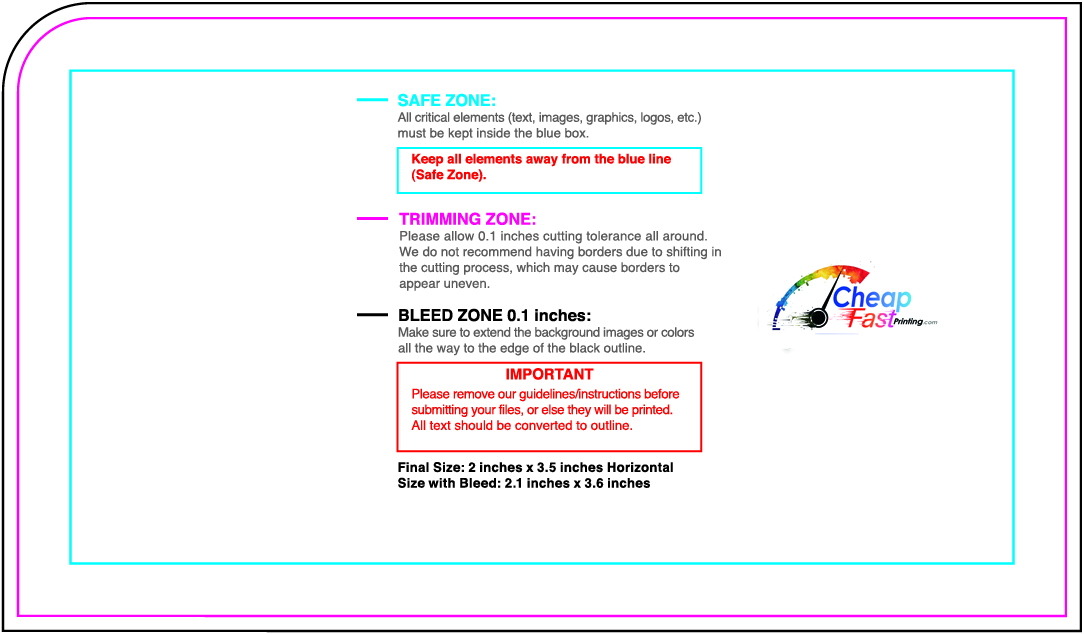
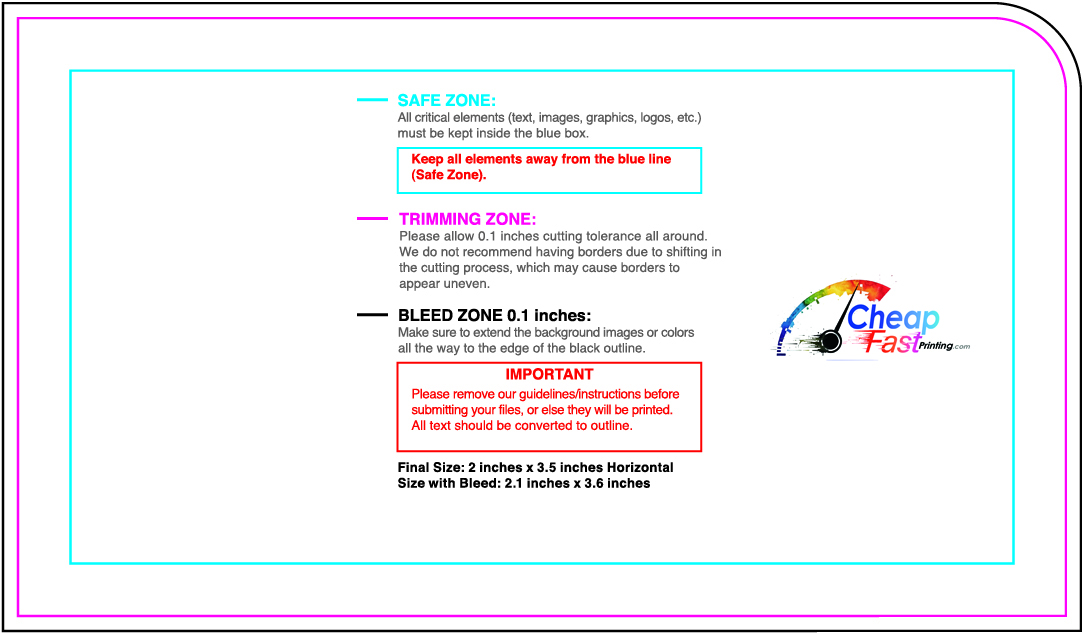
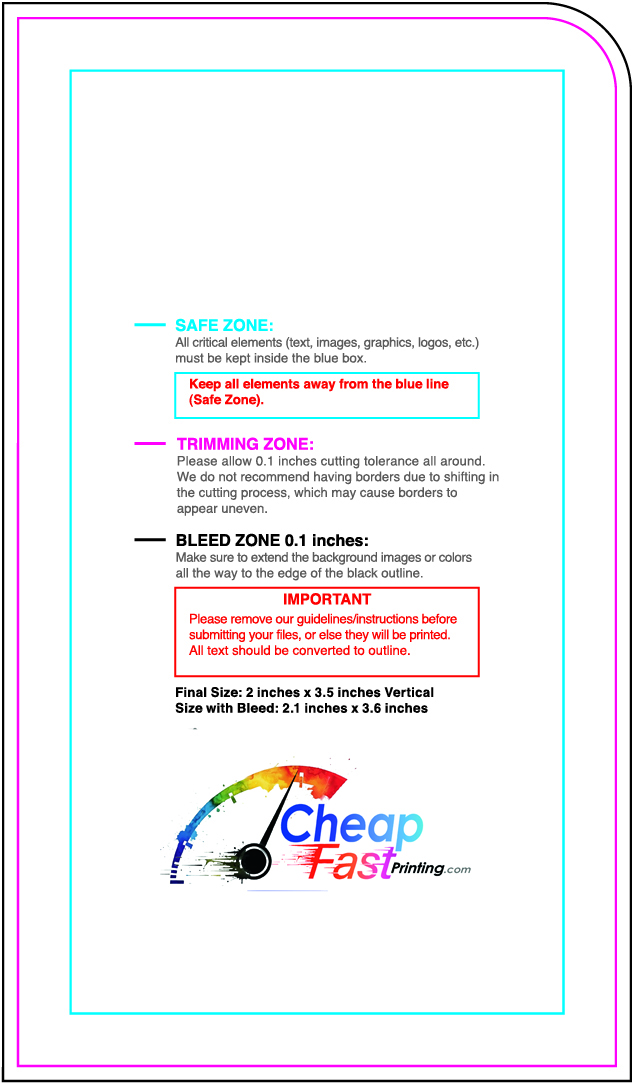
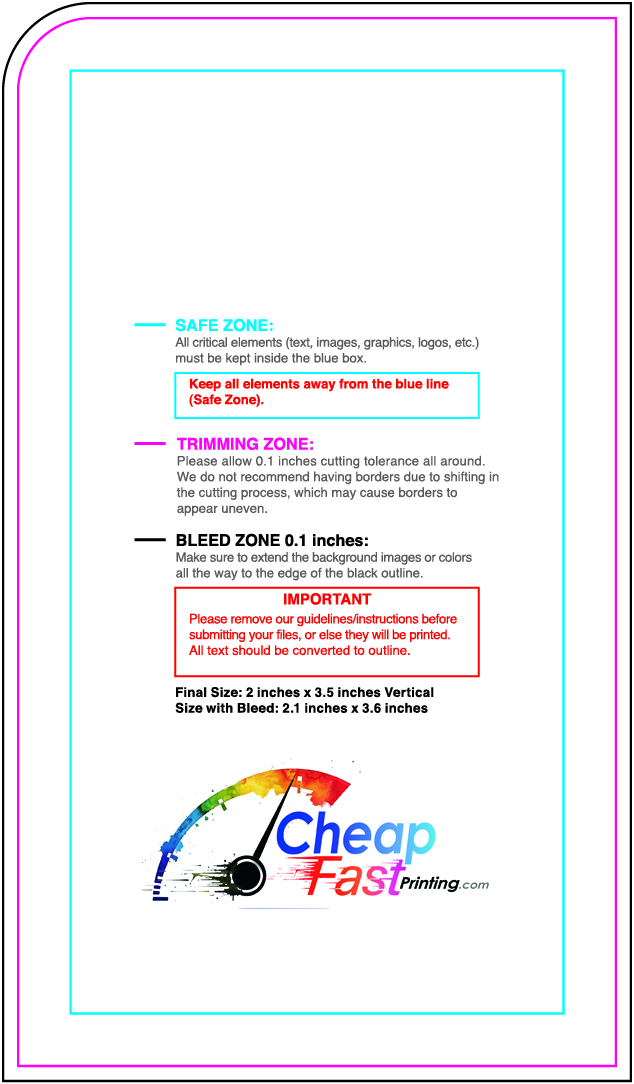
Preview a lightweight thumbnail, then download the full print-ready guideline. Keep artwork inside the safe zone and extend backgrounds to the bleed before you upload.
Size:
No templates match that search. Clear the filter or try a shorter size keyword.
How to use a CheapFAST guideline so the blade does not eat your name
Answer first: download the 3.5 x 2 sample at the top of this hub. Learn the rings. Then open the category that matches your product and download the size the live form actually sells. Place art inside the cyan safe box. Extend background color to the black bleed. Hide the rings. Export a PDF. Quote the CheapFAST form. Ground shipping stays inside that print number.
What the sample teaches
Safe zone is cyan. Trim is magenta. Bleed is black. On the official 3.5 x 2 sheet the extra is 0.05 inch, so the file reads 3.6 x 2.1 with bleed. Do not invent a different gap because another shop used 0.125 on a flyer. Read the sheet you downloaded.
The CheapFAST mark sits in the footer, above the cyan ring, after a white gap. It does not cover the rings. If a sheet ever looks like a chewed wipe, do not use it. Call (855) 608-5536 and we replace the file.
How the gallery is built
Each category folder has an index that opens the modern card grid. Search the size box, not the header product search, when you want 3.5 x 2 or 8.5 x 11. Hidden batch cards stay hidden until you search. Thumbs are small. Downloads are the full print JPG.
We keep adding sizes as we harvest them. The first sample is live so you can work today. Leftover sizes a vendor does not sell stay leftover until we adapt a nearest honest sheet or the owner overpasses. We will tell you the leftover list instead of padding with purple stubs.
Design Studio remains the browser path. This gallery is the desktop path. The free sample kit is the feel path. Grammar Check is the words path. Together they are the CheapFAST bench, not four random websites.
A first-hour path for a new customer
Download the sample. Open it in any editor that can stack layers. Drop your logo. Drop your name. Keep both inside cyan. Stretch the background to black. Hide the sample layer. Export PDF. Quote Business Cards on the live form. If you need another size, open the Business Cards category. The 3.5 x 2 sample still leads that list.
If you need a flyer, leave the card sample after you understand rings, then download 8.5 x 11 from Flyers. Do not stretch the card sheet into a flyer. That ruins the gap and the size words. Each product has its own masters.
What we hide on purpose
Tiny stub JPGs that were only diagrams. Retired slim 1.5 x 3.5 cards the form no longer sells. Duplicate standard sheets once the CheapFAST-named sample exists. You should see real multi-megabyte press sheets, not 30 KB rectangles.
Thumbs are for preview. The download button is the full file. If a thumb looks gray, that is a broken thumb, not a reason to delete the category. We regenerate from raw pixels.
Harvest and leftovers
We download vendor sheets slowly, wipe only the footer mark, and paste the CheapFAST logo above the cyan ring. We inspect the bottom edge before a file goes live. Leftover sizes the vendor does not sell stay on a leftover list. We will not pad the grid with purple 0.125 stubs to fake a five-card row.
Search 3x5 on vinyl in the gallery size box when you want 3 foot by 5 foot. Header search saying no products is the wrong box. Call (855) 608-5536 if a live form size has no card here. That is a missing-asset bug, not a sentence CTA.
Software that can use these JPGs
Any editor that can place a photo on a layer: desktop design apps, many office tools, Design Studio if you only need the browser. Lower the opacity of the guideline. Build on top. Hide the guideline. Export PDF or a high-resolution print file. CMYK is what the press wants. If you only have RGB, we still print, and colors can shift. Say so if a navy must stay navy.
Do not send the guideline with the rings still visible and hope we notice. We notice when it is too late or when the proof is honest. Hide them. If you want us to hide them, say that on Free PDF Proof.
A Hialeah caterer downloaded the sample, built a card in twenty minutes, and ordered 250 at the live packed total with ground inside. That is the path. A caterer who stretched the sample into a poster and left the size words 3.5 x 2 on a 24 x 36 is the fail we inspect for.
View all on a product page should land on the matching category, not the old tab pile. If a link still opens raw tabs, call (855) 608-5536. This hub and each folder index are the modern stack. template-system.php is not a customer path anymore.
Product pages and this gallery
Money pages show a short card row and View all. View all should open the category with the billed size first. The hub sample is that billed 3.5 x 2 card. Flyers, postcards, vinyl, and the rest use their own folders. If View all ever opens the old tab pile, that is a bug. Reload with a cache buster and call (855) 608-5536 if it stays wrong.
We deploy new masters in small batches so a huge JPG does not die mid-upload. If you see one sample today and more sizes tomorrow, that is the honest fill, not an empty shop. The leftover list at the end of a harvest is the truth about sizes nobody sells as a zip.


Questions we answer on this bench
Why do you show one sample first?
So you can learn the rings on the billed 3.5 x 2 card before you hunt every size. The rest of the gallery is still there. Business Cards leads the left list.
Should the guide lines stay in my final file?
No. Use the JPG as a bottom layer, lower the opacity, build your art, then hide or delete the guide layer before you export.
What if my size is missing?
Use the size search on the category page. If the live form sells a size and the folder has no master, call (855) 608-5536. We download the missing sheet, rebrand it with the CheapFAST mark, and put it on this gallery. We do not invent a retired slim card.
Last reviewed 11 September 2026. Phone (855) 608-5536. Email support@cheapfastprinting.com. Ground shipping stays inside the print price. The live form to ZIP 33140 wins if a chip changes.