
Professionally designed for 2.5" x 4" flyers. Fully editable & free!
Preparing Templates…
When technology fails, businesses need a hero. Your IT support cards are the signal that help is on the way. Printed on distinctive 18pt premium kraft paper, these handouts stand out in a sea of glossy mailers.
The unique texture and thickness of kraft stock communicate reliability and a grounded, no-nonsense approach to tech support. The compact 2.5x4 size is perfect for leaving on desks, handing to office managers, or pinning to breakroom boards.
If you need 1000 IT support flyers to canvas an office park, we can deliver quickly. For wider outreach, bulk technical handouts keep unit cost low while maintaining a premium feel.
Tech support is about trust and speed. Use these IT support handouts to highlight your response time (e.g., "Same Day Service") and your core competency.
Kraft stock looks exceptional with bold black text or dark, rich colors. Avoid light pastels as they may get lost on the brown surface. Keep it high-contrast for maximum readability.
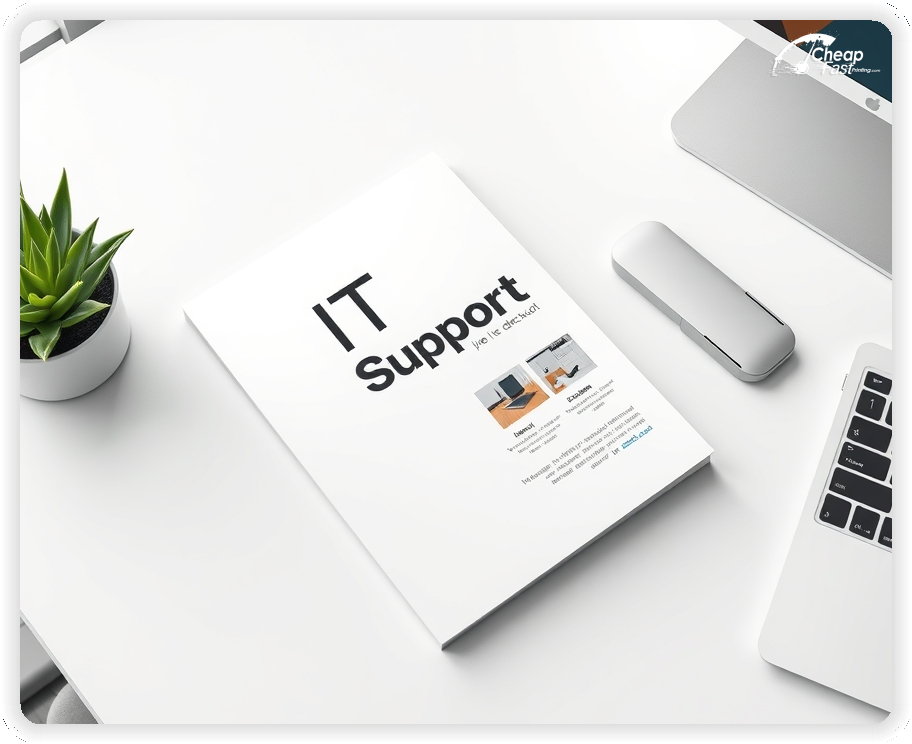
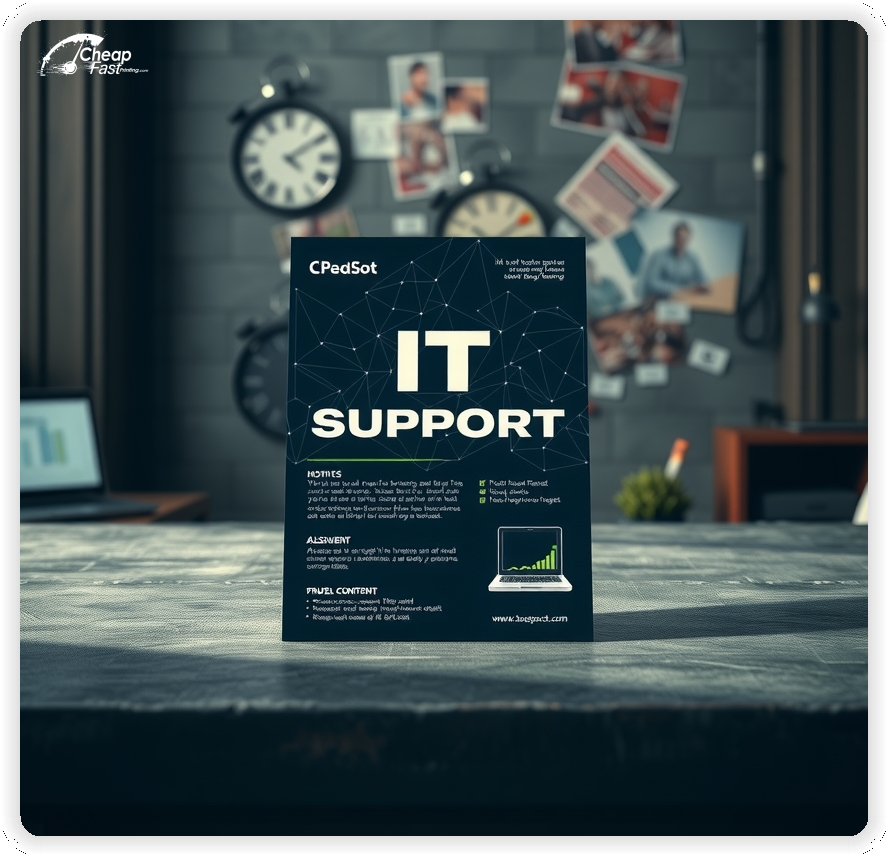
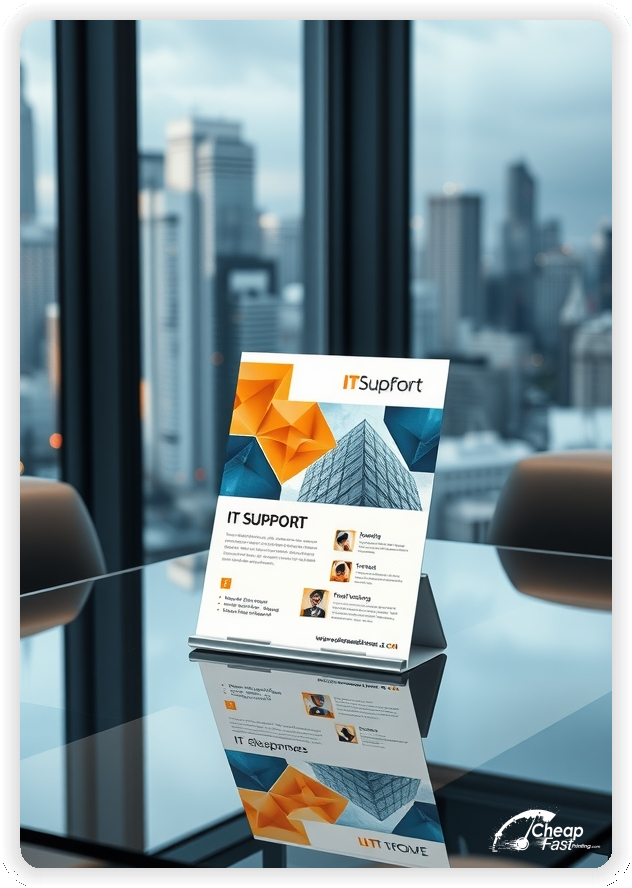
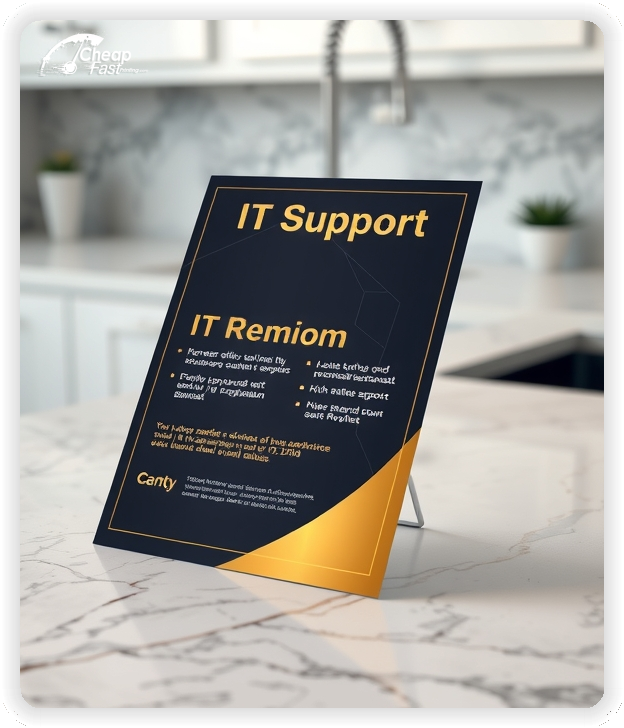

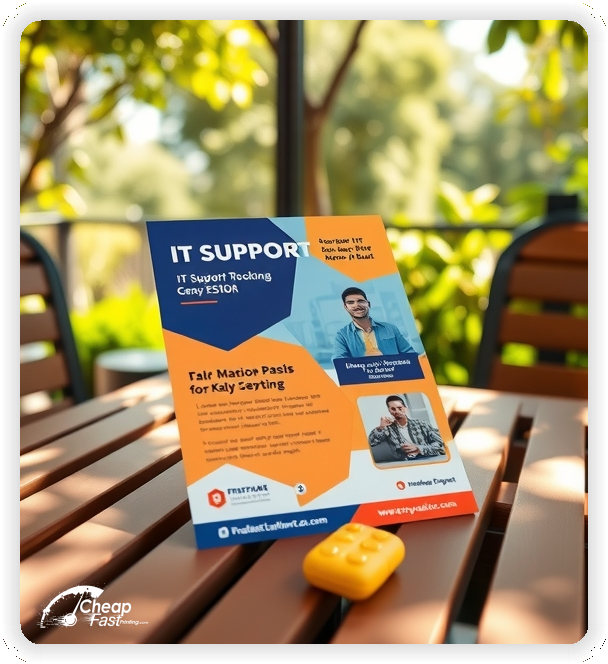
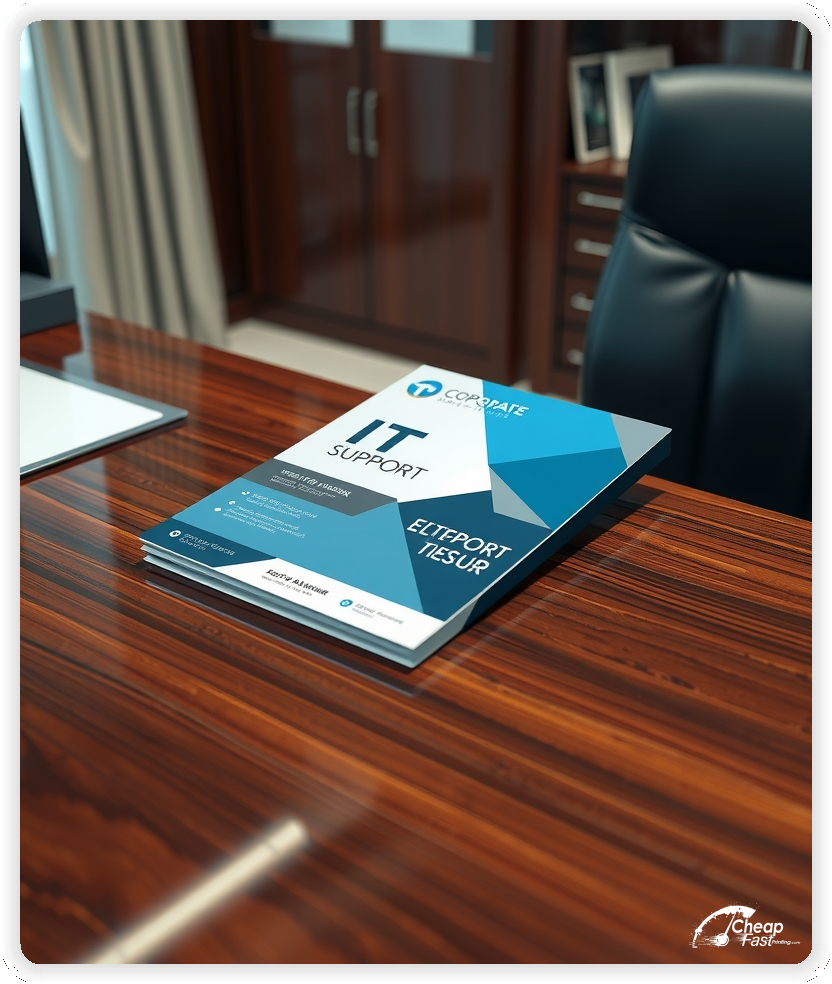
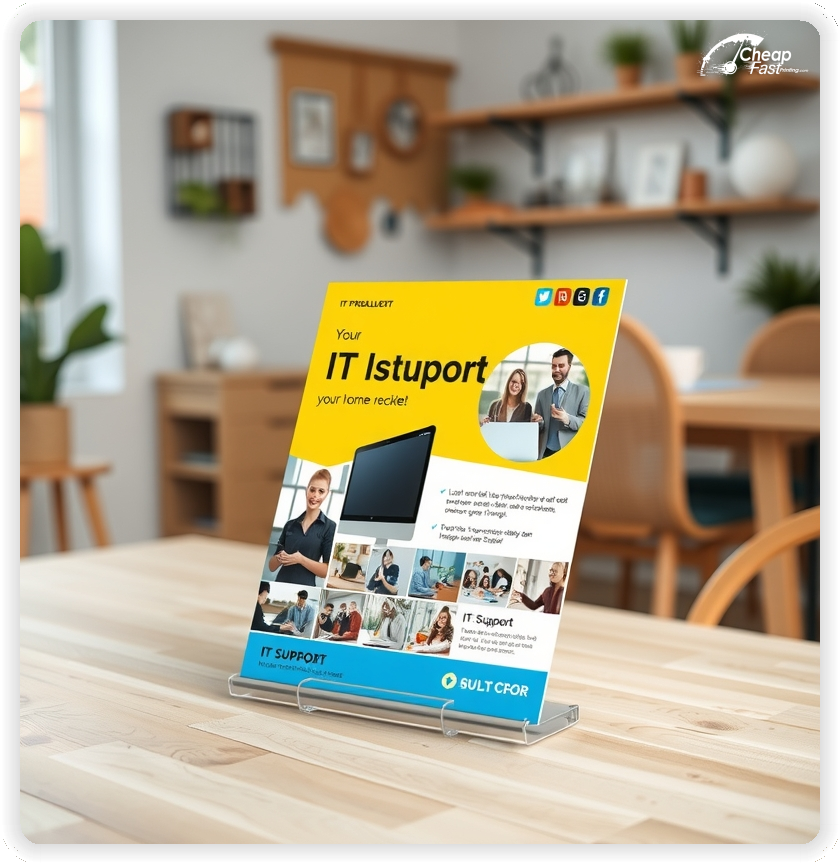
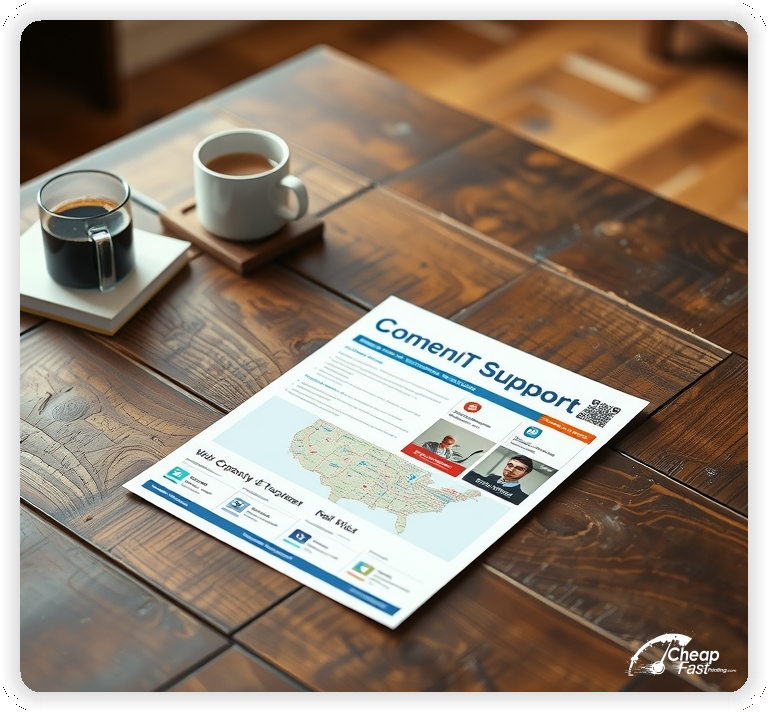
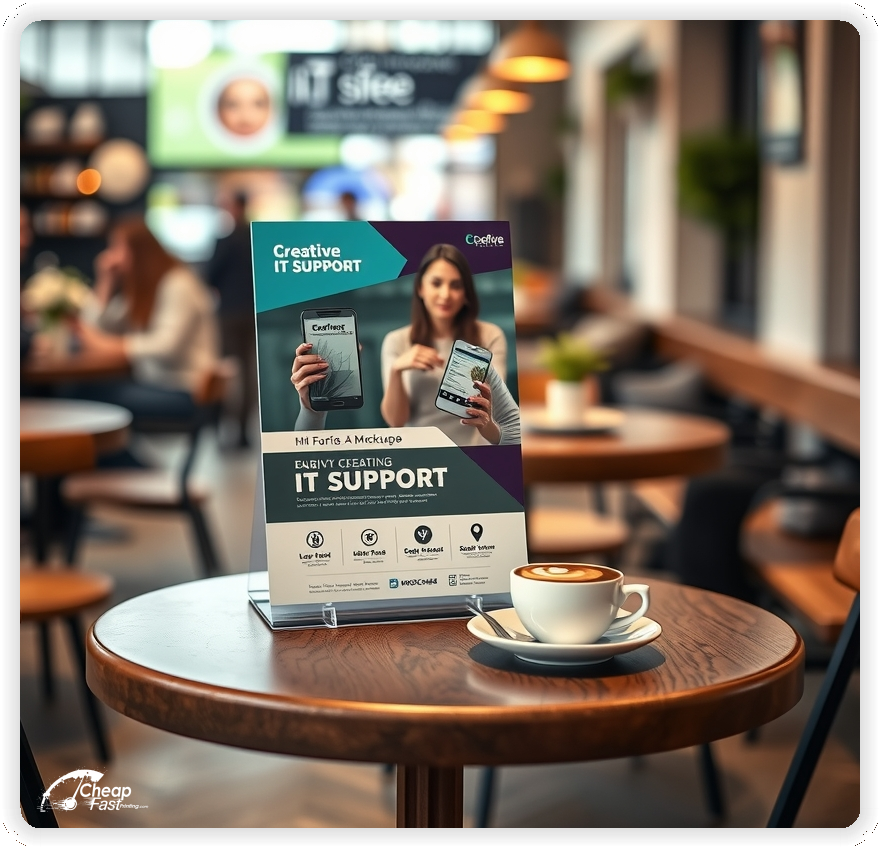
Your custom marketing pieces should solve a problem immediately. Clients don't want specs; they want uptime.
2.5x4 support cards are slightly larger than a business card, giving you more room for a service menu without being a nuisance to keep.
They fit perfectly in a wallet or card holder, meaning your contact info is right there when the server crashes or the printer jams.
In a digital world, the tactile feel of kraft paper makes a lasting impression. It's thick, durable, and has a natural texture that feels authentic.
It suggests that you are a solid, dependable partner—exactly what clients look for in IT support.
Tech moves fast, and so do we. Order express technical flyers when you need to launch a campaign immediately—perhaps following a major local internet outage or a new security vulnerability announcement.
IT support marketing materials work best where businesses operate.
Display your badges. Microsoft Certified, Apple Consultant, CompTIA A+—these logos on your flyer reassure clients that you are a qualified professional.
Include a QR code that leads to a "Open a Ticket" or "Book a Diagnostic" page. Reduce the friction between the problem and your solution.
Your print piece has about 3 seconds to make an impression before it's tossed or kept. Don't bury the lead. Ensure your main headline and primary offer are visible from arm's length. Use high-contrast colors and bold typography to guide the eye exactly where you want it.
Target the Right Neighborhoods: Success isn't just about design; it's about distribution. Focus your efforts on neighborhoods that match your ideal customer profile. For local businesses, a tight radius around your location often yields the highest ROI.
Upload your design and start your IT support flyers printing order today. Get noticed with premium kraft paper.
We check your files with the same attention to detail you give your code.
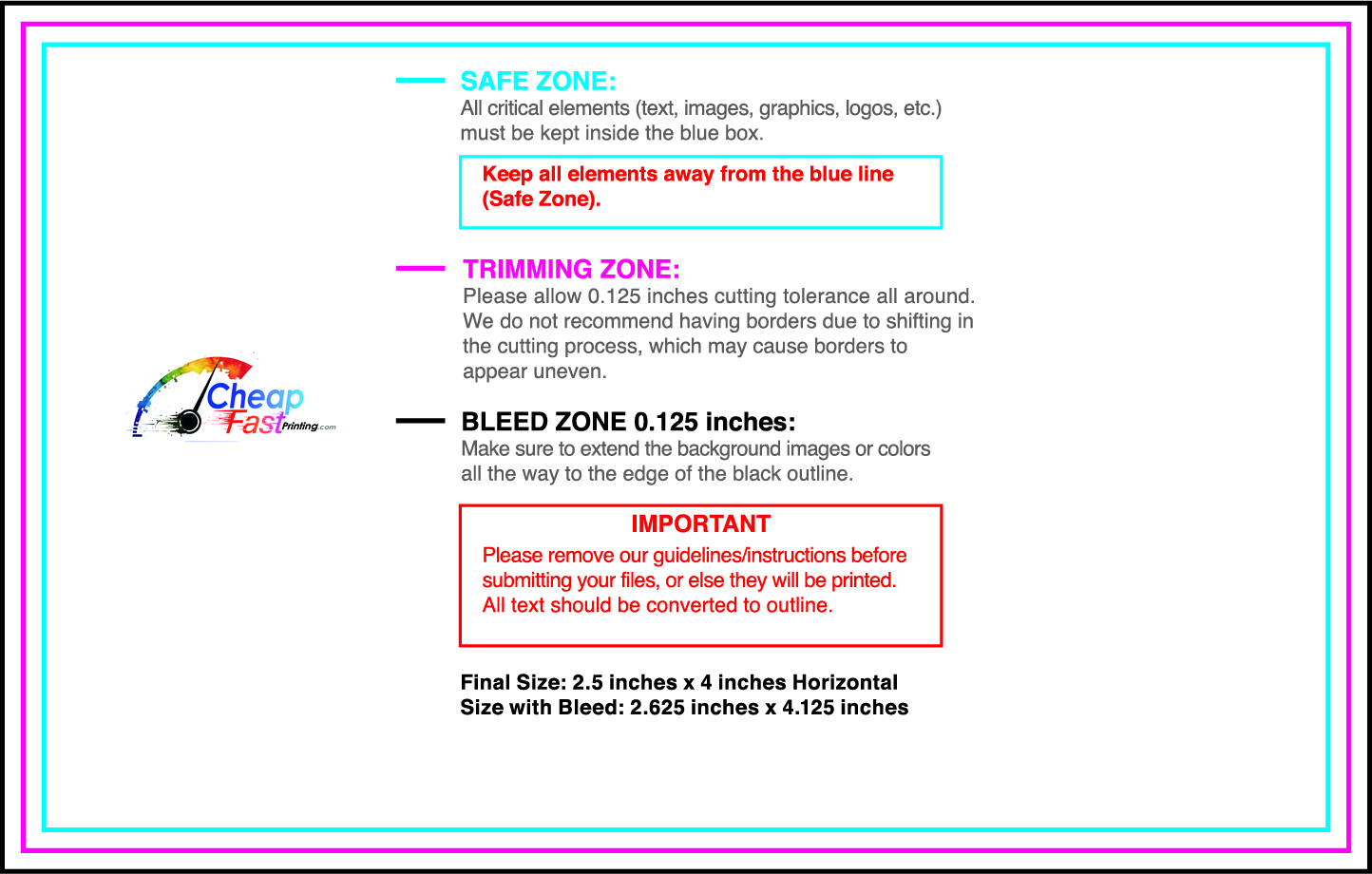
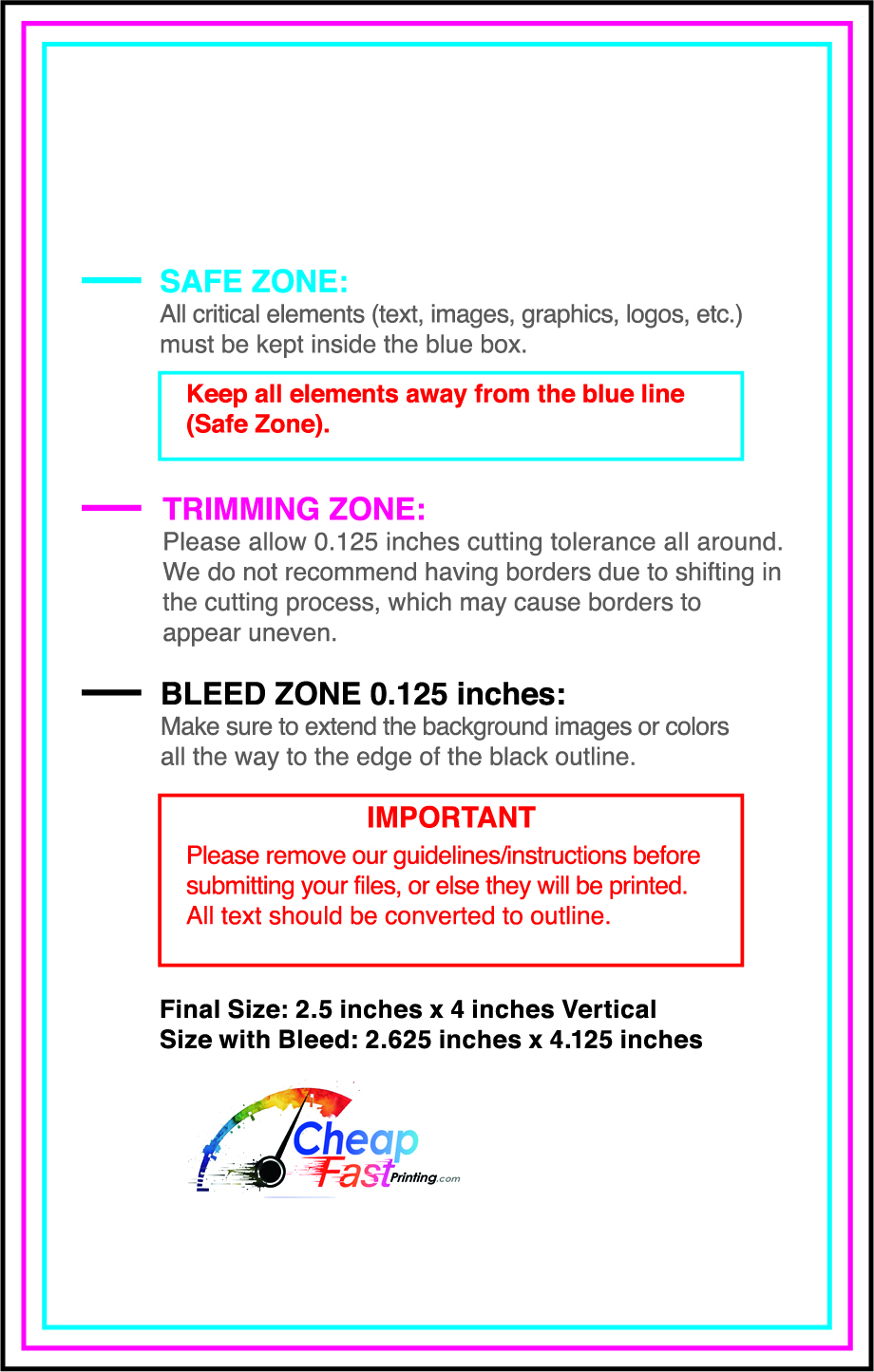
Download our 2.5x4 templates to ensure your design fits perfectly.
Specifically tuned for kraft stock, our guides help you avoid common design pitfalls.
Start your custom IT support project on the right track.
Loading Free Editable Designs...
Please wait while we prepare the template library.
Securing a single managed services contract or a few data recovery jobs covers the cost of 1000 printed cards. It's a low-risk, high-reward marketing investment.
Use one clear headline, one offer, and one primary CTA (call, scan, or order). Add the essentials: phone, website/QR, service area, hours (if relevant), and a trust signal like years in business or a short review snippet.
Keep the layout scannable: one hero image or icon, short bullets, and high-contrast CTA text that’s readable at arm’s length.
Yes. 2.5" x 4" balances visibility and readability without feeling cramped. It gives enough space for a strong headline, a benefits list, and a CTA while staying easy to hand out or place on counters and boards.
Prioritize spacing and hierarchy over extra copy so the main message lands in 3–5 seconds.
18 pt. Premium Kraft with Gloss affects how the flyer feels and how colors read. Gloss tends to boost color and photos, matte reduces glare and feels more premium for text-heavy layouts, and uncoated is great for writing on.
If your design uses lots of fine text, choose clarity and contrast first; paper upgrades won’t fix a crowded layout.
1000 works well when you want consistent visibility across multiple placements (counters, boards, partner locations, events) over a few weeks. Bulk also lowers unit cost so you can test a message and keep the winner running.
Track performance, then reprint the best offer instead of changing everything at once.
If price is your main hook, feature one simple offer (“ off” or “Starting at ) and keep the fine print minimal. If you have variable pricing, use a short value statement and send details to a landing page.
A clean offer + simple CTA typically outperforms a long price list.
Use a QR code to a dedicated landing page and add UTM tags for each route or partner. Track scans, form fills, and calls to identify the placements that actually convert.
For non-QR audiences, include a short, memorable URL or a trackable phone extension.
Start where your customers already are: complementary businesses, community boards, local events, and targeted neighborhoods. Ask partners for the most visible spot and refresh before your flyer gets buried.
Use a consistent route and restock winners; small, repeated placements usually beat one big drop.
Submit a print-ready PDF (CMYK) at 300 DPI with 0.125" bleed and safe margins around important text. Keep thin lines above 0.5 pt and make QR codes at least ~0.8" square for reliable scanning.
Use vector logos when possible and limit your fonts to maintain a clean, professional look.
Request a proof so you can confirm spelling, margins, and QR/URL accuracy before production. Proofing is the easiest way to prevent expensive reprints.
Double-check phone numbers and offer terms first—those are the most common issues.
Match your flyer headline and offer to the landing page headline so visitors feel they’re in the right place. Keep the CTA consistent and make the page fast to load and easy to complete on mobile.
If you run ads, retarget QR visitors with the same offer to improve conversions.
Scale your outreach with bulk support handouts. The more you print, the lower the cost per unit, allowing you to blanket entire business districts cost-effectively.


