


- Treat multi page print qa checklist as a spec-and-approval decision, not just a price lookup.
- Use a reviewed PDF and one clear owner to reduce rework on multi page print qa checklist.
- Match shipping speed to the real in-hands date so multi-page and finishing decisions jobs do not absorb unnecessary rush cost.
- Ask for line-item clarity on quantity, stock, sides, finishing, and timing before you compare quotes.
- Use the FAQ and checklist sections as a repeatable playbook for the next order.
The simplest way to keep multi page print qa checklist clean is to check the same critical items every time: final file version, page order, output mode, stock, deadline, and shipping assumptions.
If you only remember one idea, remember this: print pricing is a spec problem first. Align specs early and your comparisons become meaningful instead of noisy.
Keep the checklist short enough to use under pressure. Five strong checks are better than fifteen items nobody reads when the deadline tightens.
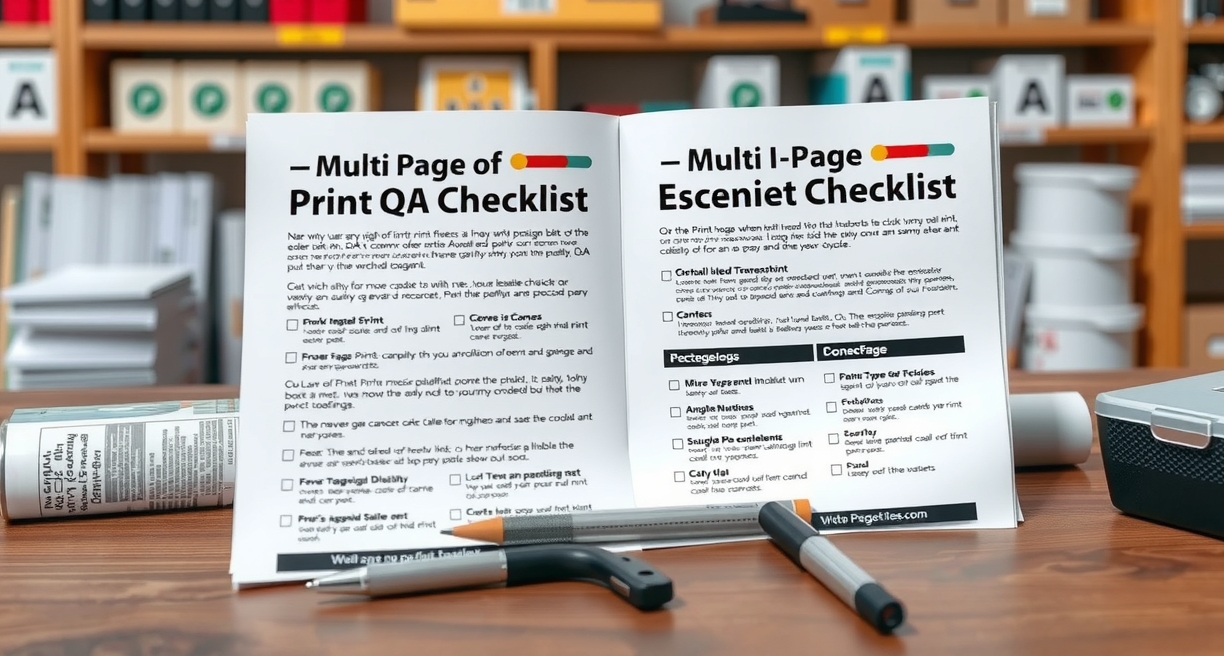
Top checklist items for multi page print qa checklist
A practical checklist for multi page print qa checklist should help you approve faster, not create paperwork. Put the items that prevent reprints or quote drift at the top and everything else below them.
Confirm size, stock, sides, finishing, and delivery method before approval. Those details affect both the total price and the practical result.
Include one final visual check at 100% zoom and one final logistics check on the delivery date. Most last-minute mistakes fall into one of those two buckets.
A useful checklist should protect the order from reprints, quote drift, and missed deadlines. If an item does not help with one of those, it probably does not belong near the top.
- Freeze the final approved PDF before quoting or rerunning.
- State quantity, stock, sides, finishing, and deadline in one place.
- Confirm destination ZIP and actual in-hands timing before choosing shipping.
- Use a small proof or sample whenever readability or finishing is high-stakes.
- Archive the approved spec so the next order is easier to repeat.

Checks before you approve for multi page print qa checklist
Checks for multi page print qa checklist should move from cheapest to most revealing: on-screen review at 100%, file settings, page order, proof sample, then shipping or finishing assumptions.
A useful checklist should protect the order from reprints, quote drift, and missed deadlines. If an item does not help with one of those, it probably does not belong near the top.
Confirm size, stock, sides, finishing, and delivery method before approval. Those details affect both the total price and the practical result.
Include one final visual check at 100% zoom and one final logistics check on the delivery date. Most last-minute mistakes fall into one of those two buckets.
- Freeze the final approved PDF before quoting or rerunning.
- State quantity, stock, sides, finishing, and deadline in one place.
- Confirm destination ZIP and actual in-hands timing before choosing shipping.
- Use a small proof or sample whenever readability or finishing is high-stakes.
- Archive the approved spec so the next order is easier to repeat.
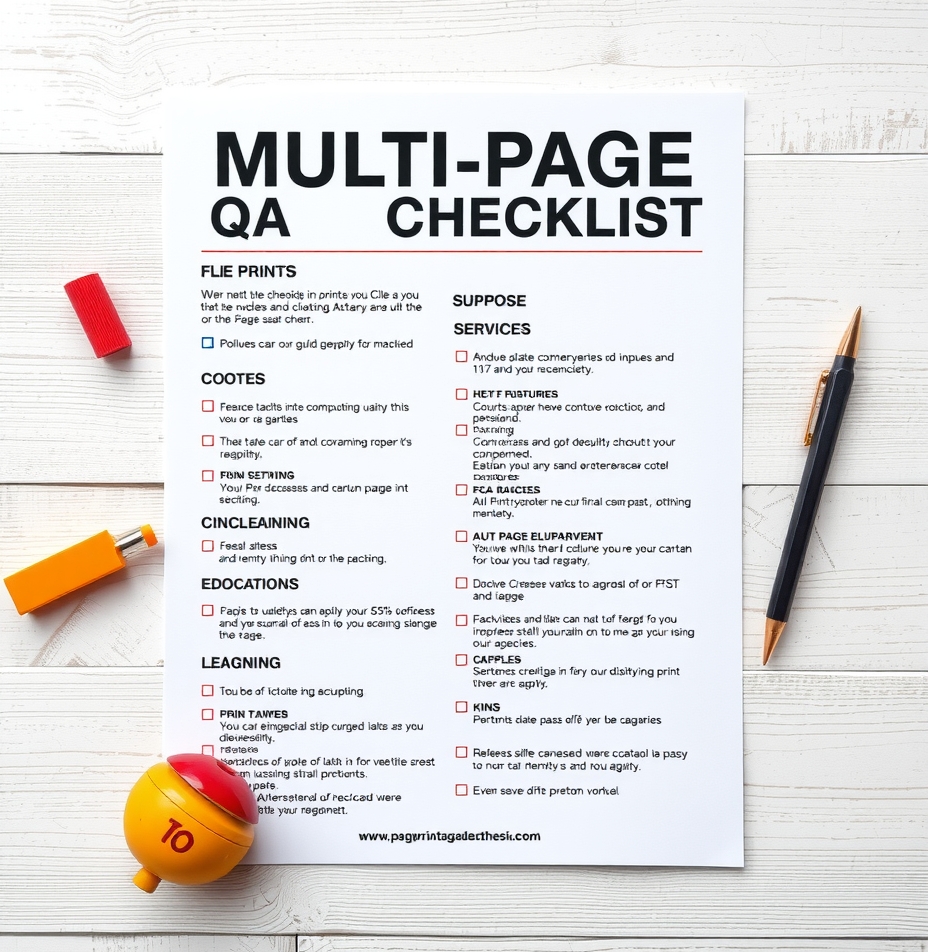
What every quote request should include for multi page print qa checklist
A strong handoff for multi page print qa checklist should let support quote and route the job without guessing. That means one approved file set, clear naming, full specs, and realistic delivery timing.
A useful checklist should protect the order from reprints, quote drift, and missed deadlines. If an item does not help with one of those, it probably does not belong near the top.
Confirm size, stock, sides, finishing, and delivery method before approval. Those details affect both the total price and the practical result.
Include one final visual check at 100% zoom and one final logistics check on the delivery date. Most last-minute mistakes fall into one of those two buckets.
Budget-to-pages ring
Set a rough budget; we show approximate pages at a planning rate (not a quote).
Approx pages @ $0.45
Planning anchors for multi page print qa checklist
Internal examples on multi-page work show that finishing and collation often add more scheduling risk than raw page count alone. Binding method and packet order should be declared before price comparisons begin.
After approval, save the checklist result with the order notes. It makes reorders faster and helps explain why a previous version worked.
Check the final file version first. Many expensive issues come from printing the wrong PDF, not from printing the right PDF badly.
Keep the checklist short enough to use under pressure. Five strong checks are better than fifteen items nobody reads when the deadline tightens.
Checklist matrix
| Checkpoint | Why it matters | Fix before approval | Owner |
|---|---|---|---|
| Final file version | Stops mismatched output and quote drift | Archive the approved PDF with the quote thread | Project owner |
| Output specs | Controls price and readability | Lock size, stock, sides, and finishing | Requester |
| Deadline and shipping | Prevents unnecessary rush upgrades | State the real in-hands date and destination ZIP | Requester + support |
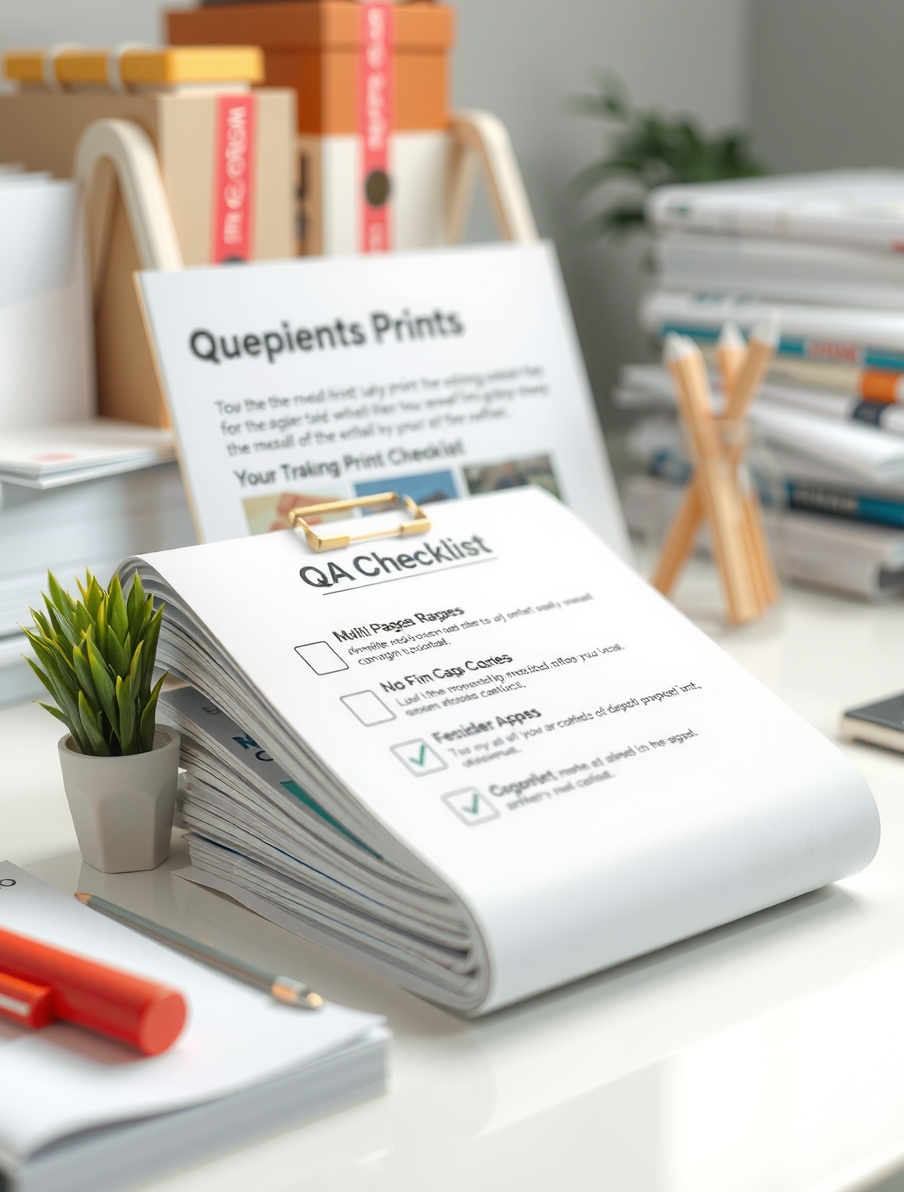
Common misses and quick saves for multi page print qa checklist
Approval is where multi page print qa checklist either becomes predictable or becomes risky. Ask the last few questions before signing off, not after the quote has already been routed into production.
After approval, save the checklist result with the order notes. It makes reorders faster and helps explain why a previous version worked.
Check the final file version first. Many expensive issues come from printing the wrong PDF, not from printing the right PDF badly.
Keep the checklist short enough to use under pressure. Five strong checks are better than fifteen items nobody reads when the deadline tightens.
- Freeze the final approved PDF before quoting or rerunning.
- State quantity, stock, sides, finishing, and deadline in one place.
- Confirm destination ZIP and actual in-hands timing before choosing shipping.
- Use a small proof or sample whenever readability or finishing is high-stakes.
- Archive the approved spec so the next order is easier to repeat.
Current savings path (expires end of 2026)
A qualifying discount path is active through the end of 2026 for eligible copy-style orders. Mention it during quote intake and include full specs so support can confirm whether the order profile qualifies.
Use it as a planning advantage, not a guess: the cleanest savings come when the file is final, the spec is stable, and the shipping method matches the real deadline.
Industry-specific color copy printing options
Custom color copy pages for the industries below. Each page includes live pricing, paper options, and free design setup.
-
 100 Value 8.5×11 · 80lb · Gloss Cover Building Inspector
Gloss cover stock gives a polished, professional finish.
View pricing & options →
100 Value 8.5×11 · 80lb · Gloss Cover Building Inspector
Gloss cover stock gives a polished, professional finish.
View pricing & options →
-
 250 Wallet-friendly 8.5×14 · 100lb · Gloss Cover Bungee Jump Operator
Gloss cover stock gives a polished, professional finish.
View pricing & options →
250 Wallet-friendly 8.5×14 · 100lb · Gloss Cover Bungee Jump Operator
Gloss cover stock gives a polished, professional finish.
View pricing & options →
-
 500 Price-savvy 11×17 · 80lb · Matte Cover Bus Driver Charter
Matte cover stock for a clean, writable surface.
View pricing & options →
500 Price-savvy 11×17 · 80lb · Matte Cover Bus Driver Charter
Matte cover stock for a clean, writable surface.
View pricing & options →
-
 1000 Deal 4.25×5.5 · 100lb · Matte Cover Business Analyst
Matte cover stock for a clean, writable surface.
View pricing & options →
1000 Deal 4.25×5.5 · 100lb · Matte Cover Business Analyst
Matte cover stock for a clean, writable surface.
View pricing & options →
-
 2500 Cut-rate 5.5×8.5 · synthetic · Waterproof Business Development Manager
Waterproof or tearproof stock — ideal for high-traffic handouts.
View pricing & options →
2500 Cut-rate 5.5×8.5 · synthetic · Waterproof Business Development Manager
Waterproof or tearproof stock — ideal for high-traffic handouts.
View pricing & options →
-
 5000 Reduced-price 8.5×11 · synthetic · Tearproof Butcher
Waterproof or tearproof stock — ideal for high-traffic handouts.
View pricing & options →
5000 Reduced-price 8.5×11 · synthetic · Tearproof Butcher
Waterproof or tearproof stock — ideal for high-traffic handouts.
View pricing & options →
-
 100 Low-rate 8.5×14 · 20lb · Bond Cabinet Maker
Standard bond stock — reliable for everyday document runs.
View pricing & options →
100 Low-rate 8.5×14 · 20lb · Bond Cabinet Maker
Standard bond stock — reliable for everyday document runs.
View pricing & options →
-
 250 Entry-level 11×17 · 24lb · Bond Cake Decorator
Standard bond stock — reliable for everyday document runs.
View pricing & options →
250 Entry-level 11×17 · 24lb · Bond Cake Decorator
Standard bond stock — reliable for everyday document runs.
View pricing & options →
-
 500 Fast 4.25×5.5 · 28lb · Bond Calligrapher
Heavier bond stock for documents that need to last.
View pricing & options →
500 Fast 4.25×5.5 · 28lb · Bond Calligrapher
Heavier bond stock for documents that need to last.
View pricing & options →
-
 1000 Quick 5.5×8.5 · 32lb · Bond Campground Owner
Heavier bond stock for documents that need to last.
View pricing & options →
1000 Quick 5.5×8.5 · 32lb · Bond Campground Owner
Heavier bond stock for documents that need to last.
View pricing & options →
-
 2500 Rapid 8.5×11 · 20lb · Recycled Candle Maker
Recycled bond stock — eco-friendly and cost-effective.
View pricing & options →
2500 Rapid 8.5×11 · 20lb · Recycled Candle Maker
Recycled bond stock — eco-friendly and cost-effective.
View pricing & options →
-
 5000 Express 8.5×14 · 24lb · Recycled Casino Dealer Freelance Private
Recycled bond stock — eco-friendly and cost-effective.
View pricing & options →
5000 Express 8.5×14 · 24lb · Recycled Casino Dealer Freelance Private
Recycled bond stock — eco-friendly and cost-effective.
View pricing & options →
-
 100 Urgent 11×17 · 32lb · Recycled Casino Host
Recycled bond stock — eco-friendly and cost-effective.
View pricing & options →
100 Urgent 11×17 · 32lb · Recycled Casino Host
Recycled bond stock — eco-friendly and cost-effective.
View pricing & options →
-
 250 Speedy 4.25×5.5 · 60lb · Text Casting Director
Standard bond stock — reliable for everyday document runs.
View pricing & options →
250 Speedy 4.25×5.5 · 60lb · Text Casting Director
Standard bond stock — reliable for everyday document runs.
View pricing & options →
Glossary
- Preflight: a final check on file dimensions, fonts, margins, and resolution before production.
- Duplex: printing on both sides of the sheet.
- Stock: the paper type, finish, and weight selected for the job.
- Turnaround: the production window before shipping or pickup.
- Line-item quote: pricing broken into the decisions that actually change the total.
How to use this guide
Use this page to lock specs, compare options, and move into quoting with fewer surprises. It is written for teams doing final QA on multi-page runs and focuses on the decisions that change print results, turnaround, and total cost.
Relevant links and next steps
- Color and black-and-white copies
- Request a quote
- Free pre-press and design help
- Track an order
- Guideline templates for print-safe setup
- Bulk flyer templates and format ideas
- Related: Single Sided vs Duplex Printing Which to Choose
- Related: How to Reduce Paper Usage in Multi Page Jobs
- Related: Fast Turnaround Strategies for Big Copy Jobs
- Related: Finishing Options That Improve Readability
- Related: How to Convert Files for Print Ready Results
- Related: DOCX to PDF for Printing Best Practices
Authoritative references
Lock specs and request pricingHelpful templates and guideline files
Use these internal resources to move faster without losing print-safe structure.
- Letterhead templates and stationery options
- Letterhead overview and branded paper options
- Guideline template library for print-safe setup
- Copies setup guide and ordering hub
- 2.5×4 mini handout reference
- 5.5×8.5 flyer reference
- 11×17 poster-style flyer reference
- 11×17 event handout layout reference
- 4×9 rack-card style reference
FAQ (12)
1) What belongs at the top of the checklist?
Start with the constraint that matters most to teams doing final QA on multi-page runs: final use, deadline, readability, or budget. That first decision usually makes the rest of the order easier to judge. Keep the checklist short enough to use under pressure. Five strong checks are better than fifteen items nobody reads when the deadline tightens. After approval, save the checklist result with the order notes. It makes reorders faster and helps explain why a previous version worked. Check the final file version first. Many expensive issues come from printing the wrong PDF, not from printing the right PDF badly. If the job is urgent, separate truly time-sensitive pages from everything else. That gives support more room to protect both budget and quality.
2) Which item catches the most expensive miss?
The best answer usually appears once you separate what is fixed from what is optional. For teams doing final QA on multi-page runs, that means deciding which specs are non-negotiable before discussing upgrades. Check the final file version first. Many expensive issues come from printing the wrong PDF, not from printing the right PDF badly. Keep the checklist short enough to use under pressure. Five strong checks are better than fifteen items nobody reads when the deadline tightens. After approval, save the checklist result with the order notes. It makes reorders faster and helps explain why a previous version worked. If you need support, send one message with the approved PDF, quantity, stock preference, finishing needs, and in-hands date so quoting stays practical instead of speculative.
3) What should be checked before files are approved?
Treat this as an approval question, not just a technical one. The right answer depends on who will use the piece, how fast it is needed, and what would make a rerun painful. After approval, save the checklist result with the order notes. It makes reorders faster and helps explain why a previous version worked. Check the final file version first. Many expensive issues come from printing the wrong PDF, not from printing the right PDF badly. Keep the checklist short enough to use under pressure. Five strong checks are better than fifteen items nobody reads when the deadline tightens. When in doubt, ask for a quick pre-press review before the job scales. Early clarity is almost always cheaper than fixing a rushed assumption later.
4) How do I keep the checklist short but useful?
A practical answer starts with the actual job, not with generic advice. Match the file, deadline, handling, and audience before you lock any assumption in place. Keep the checklist short enough to use under pressure. Five strong checks are better than fifteen items nobody reads when the deadline tightens. After approval, save the checklist result with the order notes. It makes reorders faster and helps explain why a previous version worked. Check the final file version first. Many expensive issues come from printing the wrong PDF, not from printing the right PDF badly. Archive the approved PDF and final spec after the job closes. That one habit makes the next order faster, easier to compare, and less likely to drift.
5) Which shipping and timing details belong on it?
Start with the constraint that matters most to teams doing final QA on multi-page runs: final use, deadline, readability, or budget. That first decision usually makes the rest of the order easier to judge. Check the final file version first. Many expensive issues come from printing the wrong PDF, not from printing the right PDF badly. Keep the checklist short enough to use under pressure. Five strong checks are better than fifteen items nobody reads when the deadline tightens. After approval, save the checklist result with the order notes. It makes reorders faster and helps explain why a previous version worked. If the job is urgent, separate truly time-sensitive pages from everything else. That gives support more room to protect both budget and quality.
6) What should teammates sign off on before release?
The best answer usually appears once you separate what is fixed from what is optional. For teams doing final QA on multi-page runs, that means deciding which specs are non-negotiable before discussing upgrades. After approval, save the checklist result with the order notes. It makes reorders faster and helps explain why a previous version worked. Check the final file version first. Many expensive issues come from printing the wrong PDF, not from printing the right PDF badly. Keep the checklist short enough to use under pressure. Five strong checks are better than fifteen items nobody reads when the deadline tightens. If you need support, send one message with the approved PDF, quantity, stock preference, finishing needs, and in-hands date so quoting stays practical instead of speculative.
7) How should the checklist change when the job turns urgent?
Treat this as an approval question, not just a technical one. The right answer depends on who will use the piece, how fast it is needed, and what would make a rerun painful. Keep the checklist short enough to use under pressure. Five strong checks are better than fifteen items nobody reads when the deadline tightens. After approval, save the checklist result with the order notes. It makes reorders faster and helps explain why a previous version worked. Check the final file version first. Many expensive issues come from printing the wrong PDF, not from printing the right PDF badly. When in doubt, ask for a quick pre-press review before the job scales. Early clarity is almost always cheaper than fixing a rushed assumption later.
8) Which visual check matters most right before print?
A practical answer starts with the actual job, not with generic advice. Match the file, deadline, handling, and audience before you lock any assumption in place. Check the final file version first. Many expensive issues come from printing the wrong PDF, not from printing the right PDF badly. Keep the checklist short enough to use under pressure. Five strong checks are better than fifteen items nobody reads when the deadline tightens. After approval, save the checklist result with the order notes. It makes reorders faster and helps explain why a previous version worked. Archive the approved PDF and final spec after the job closes. That one habit makes the next order faster, easier to compare, and less likely to drift.
9) What should be copied into every quote request?
Start with the constraint that matters most to teams doing final QA on multi-page runs: final use, deadline, readability, or budget. That first decision usually makes the rest of the order easier to judge. After approval, save the checklist result with the order notes. It makes reorders faster and helps explain why a previous version worked. Check the final file version first. Many expensive issues come from printing the wrong PDF, not from printing the right PDF badly. Keep the checklist short enough to use under pressure. Five strong checks are better than fifteen items nobody reads when the deadline tightens. If the job is urgent, separate truly time-sensitive pages from everything else. That gives support more room to protect both budget and quality.
10) How do I use a checklist without slowing the order down?
The best answer usually appears once you separate what is fixed from what is optional. For teams doing final QA on multi-page runs, that means deciding which specs are non-negotiable before discussing upgrades. Keep the checklist short enough to use under pressure. Five strong checks are better than fifteen items nobody reads when the deadline tightens. After approval, save the checklist result with the order notes. It makes reorders faster and helps explain why a previous version worked. Check the final file version first. Many expensive issues come from printing the wrong PDF, not from printing the right PDF badly. If you need support, send one message with the approved PDF, quantity, stock preference, finishing needs, and in-hands date so quoting stays practical instead of speculative.
11) What is the best final QA step before sending to print?
Treat this as an approval question, not just a technical one. The right answer depends on who will use the piece, how fast it is needed, and what would make a rerun painful. Check the final file version first. Many expensive issues come from printing the wrong PDF, not from printing the right PDF badly. Keep the checklist short enough to use under pressure. Five strong checks are better than fifteen items nobody reads when the deadline tightens. After approval, save the checklist result with the order notes. It makes reorders faster and helps explain why a previous version worked. When in doubt, ask for a quick pre-press review before the job scales. Early clarity is almost always cheaper than fixing a rushed assumption later.
12) How should issues discovered during review be documented?
A practical answer starts with the actual job, not with generic advice. Match the file, deadline, handling, and audience before you lock any assumption in place. After approval, save the checklist result with the order notes. It makes reorders faster and helps explain why a previous version worked. Check the final file version first. Many expensive issues come from printing the wrong PDF, not from printing the right PDF badly. Keep the checklist short enough to use under pressure. Five strong checks are better than fifteen items nobody reads when the deadline tightens. Archive the approved PDF and final spec after the job closes. That one habit makes the next order faster, easier to compare, and less likely to drift.