School and PTA flyers have one job that most industries forget: parents are busy. Families are juggling work schedules, drop-offs, and notifications that compete for attention. Your flyer has to communicate the essentials instantly and remain readable after repeated handling.
In this guide, we treat the flyer as a physical product that must survive real life: it travels in backpacks, gets folded, taped, re-stacked, and sometimes ends up under homework folders. That means your design hierarchy, paper thickness, and finishing choices matter as much as the text.
Get parents to do exactly one next action: RSVP, volunteer, donate, or remember an important date. When your CTA is single and visible, your flyer performs better.
- What Makes a School Flyer Actually Work
- Paper Durability for Backpacks and Bulletin Boards
- Size Guidance: PTA Meetings, Fundraisers, and Orientation Nights
- Interactive: Backpack Distribution Planner
- Interactive: PTA Flyer Section Selector
- Distribution Strategy: Where Parents See It First
- Browse 6 School-Friendly Flyer Formats
- Top 10 School & PTA Flyer FAQs
What Makes a School Flyer Actually Work
Parents do not “read flyers” in the same way they read websites. They scan. They triage. They check the date and the location, then decide whether they need to act now.
To win that scan, your layout needs a predictable rhythm:
- Headline promise: what this flyer is about in plain language.
- Date/day and time window: visually dominant so it is easy to confirm.
- Action CTA: one QR or one instruction block.
- Who it is for: students, grade level, family membership, or the community.
- Contact: phone/email/website in a predictable location.
Make the QR code a shortcut, not a homework assignment
QR codes work best when they jump to a mobile-friendly page with one clear action: RSVP, sign up, or donate. If your QR goes to a long page with multiple tabs, families get frustrated. Keep the destination page disciplined.
Translation and accessibility should be part of your plan
Many school communities include families with different language needs. A practical approach is to use QR codes that point to pages with language toggle options. Then your flyer still stays readable and compact.
Design so the essentials fit in the first view. If someone glances for two seconds, they should still see the event, the when/where, and the single CTA.

Paper Durability for Backpacks and Bulletin Boards
Backpacks are not gentle environments. Flyers get folded multiple times. They rub against zippers. They can sit in damp weather if students walk between buildings. Your paper choice should reflect that.
Gloss vs matte in school conditions
- Matte: usually reduces glare under indoor lighting. It stays easier to read on desks and bulletin boards.
- Gloss: can make colors pop for fundraisers and photo-heavy school events. Just keep text contrast strong and verify readability under bright glare.
Thickness is the real durability lever
When your flyers are handled repeatedly, thin paper feels like junk and tends to fold permanently. Thicker stock signals value, helps corners resist curling, and improves the odds the flyer remains readable through the entire week.
Production specs: bleed and safe zone protect your CTA
Always use full bleed artwork and keep all critical content at least 0.125 inch inside the trim edge. That includes your QR code, event date/time, logos, and contact blocks. This safe zone rule prevents your flyer from losing edges during cutting and finishing.
Size Guidance: PTA Meetings, Fundraisers, and Orientation Nights
Choose sizes based on how parents will use the flyer once they get it.
| School Event Use | Recommended Size | Best Reason |
|---|---|---|
| PTA meetings and reminders | 5.5×8.5 half sheet | Readable date/time plus room for a single CTA. |
| Fundraisers with photos/sponsors | 8.5×11 | More room for impact visuals and structured details. |
| Backpack notices (short) | 4×6 or 4.25×5.5 | Portable and designed for quick scanning. |
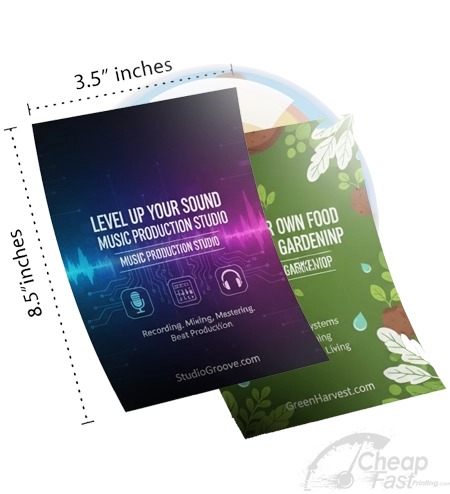
| Classroom distribution / display | 3.5×8.5 rack-card style | Great for desk and rack visibility where parents walk by. |
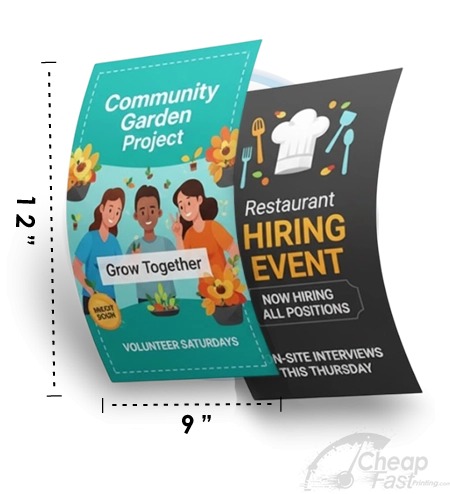
| Multi-day orientation or information displays | 9×12 or similar | Stronger presence for front desk and lobby areas. |
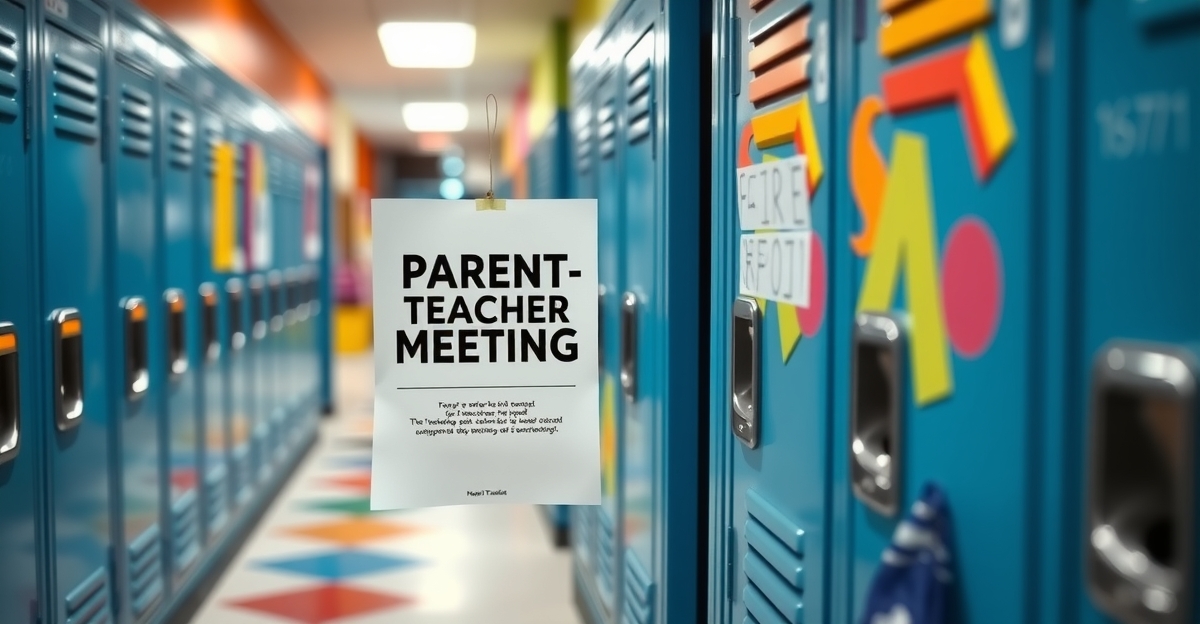
Interactive: Backpack Distribution Planner
Use this tool to estimate how many parents/families you can reach with a backpack-handout run, plus your modeled cost per RSVP/donation action.
Interactive: PTA Flyer Section Selector
This widget suggests a practical section order and recommends a flyer size direction. The focus is on parent scanning behavior, not design complexity.
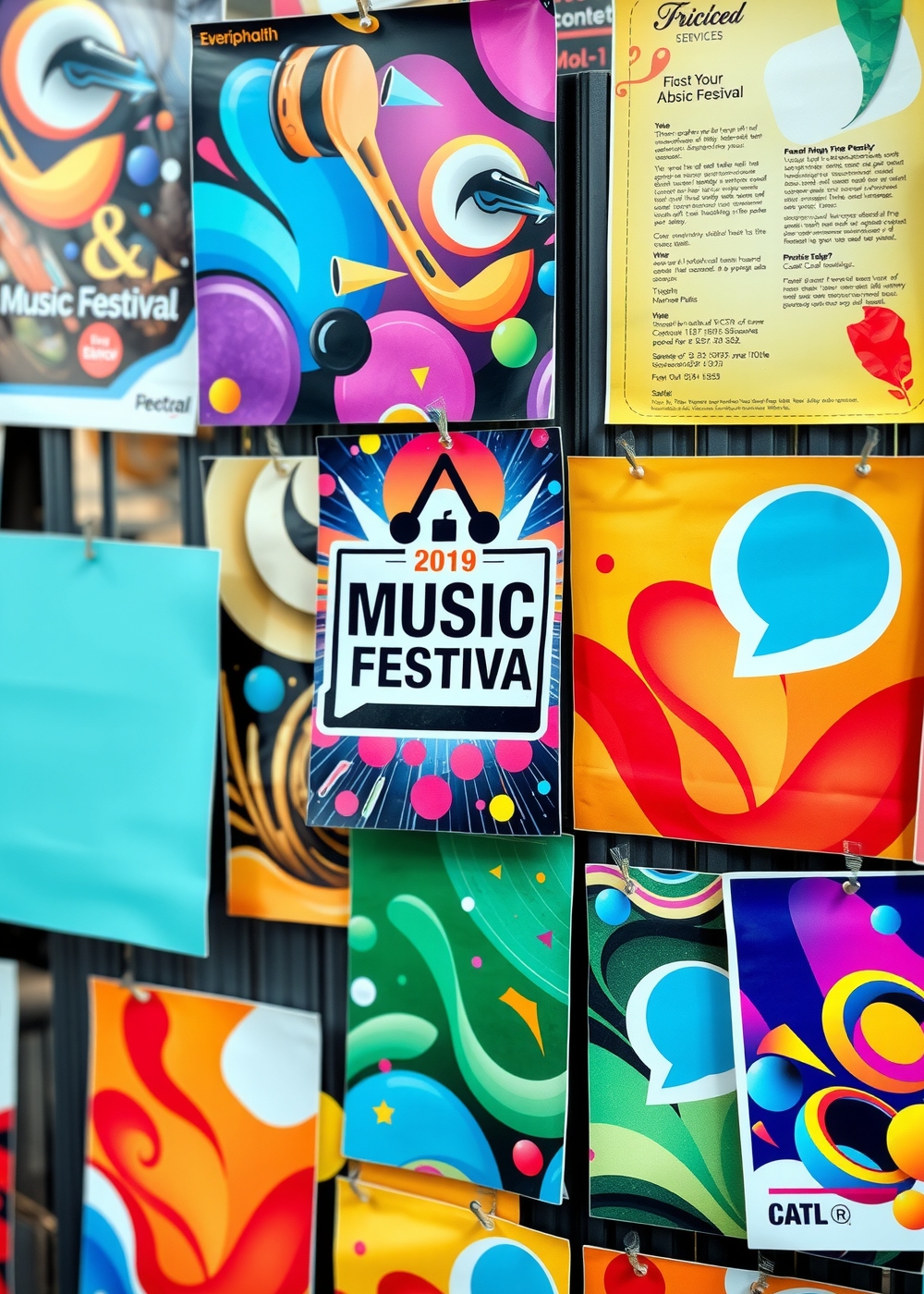
Distribution Strategy: Where Parents See It First
Distribution is a workflow. If teachers and front office staff have to “hunt” for your flyer, it becomes inconsistent.
Where the best visibility comes from
- School office front desk area: parents see it while they are already waiting.
- Teacher workroom bulletin boards: use only if allowed by your school policy; it can create repeat exposure.
- Community partner locations: local bookstores, cafes, and tutoring centers often have dwell time.
- Backpack handouts: for short reminders, package consistently so staff do not skip.
Budget reality: quick turn and bulk printing
If you need flyers quickly, many people consider options like print flyers at staples, print flyers at office depot, and other retail services. These can help in emergencies, but always confirm stock quality, finish options, and bleed accuracy. For PTA bulk plans across the school year, online production is often stronger for consistency and for flyers print bulk needs.
When you plan your year, design templates that keep the same hierarchy and only swap the date block. This reduces rework and makes it easier to print flyers and posters that match your timeline.
PTA/School Flyer Quality and Production Checklist
Schools do not fail because they care. Schools fail because the flyer has too much “design homework” for busy staff. This checklist removes the guesswork and protects readability from first glance to last day of the week.
Standardize the template so updates stay fast
If you print more than once during the school year (most PTAs do), keep a repeatable template system. Standardization is how you avoid re-layout errors such as misaligned QR code position, cropped dates, or inconsistent safe zone spacing.
- Lock the CTA location (QR or RSVP text) so it never drifts across versions.
- Keep the same font sizes across the year so readability stays predictable.
- Use a replaceable date block that can be updated without changing spacing.
- Plan for long names by allowing flexible text wrapping within set boundaries.
Make backpack handling “idiot-proof”
When you distribute via backpacks, the flyer should still look organized after it is folded, inserted, and re-stacked. A practical approach is to print in a size that folds cleanly and does not fight the paper grain.
- Choose thicker stock so corners do not curl after folding.
- Keep the QR code and contact info away from edges so trimming does not clip them.
- If possible, include a short “cut and keep” note so parents know it matters.
Common mistakes that reduce parent action
- Too many calls to action: parents can only do one next step from a quick glance.
- Low-contrast CTA: QR codes and date blocks must remain legible under indoor glare.
- Small text: anything beyond the essentials should move into a secondary detail area or the landing page.
- Unverified content: if your date/time changes, update the landing page immediately so the QR remains accurate.
If you expect recurring events (spirit nights, meetings, seasonal drives), consider printing in bulk to keep planning consistent. Flyers print bulk runs are especially helpful when your template system stays fixed and only the date and landing links change. This reduces last-minute rush efforts and keeps your school communications polished.
Quick proof plan before the print run
Do one final proof review using the same “parent scan” mindset: check that the date/day and time window are the biggest readable elements, confirm that the QR CTA is high contrast and not too close to the edges, and verify that any names or phone numbers wrap correctly on the printed size. If you are printing more than one version, compare them side-by-side to ensure the safe zone spacing is identical. This short proof pass prevents weeks of confusion.
Browse 6 School-Friendly Flyer Formats
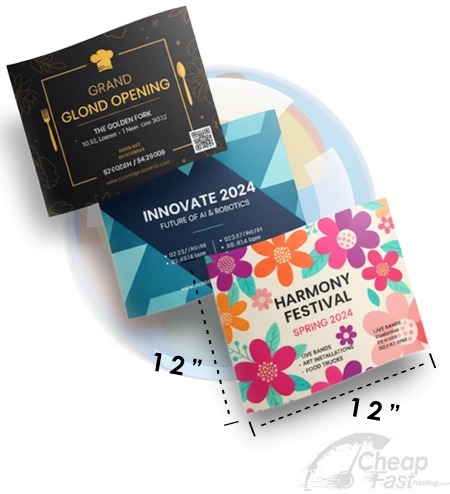
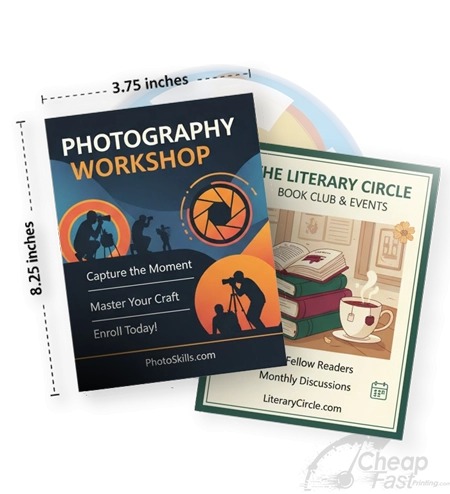
These are 6 format examples mapped to this post. Use them as physical options for different school moments: backpack notices, classroom visibility cards, front-desk posters, and longer informational sheets.