Social Cards Printing

Marketing Materials

Social Cards Printing

Social Cards Printing

Marketing Materials with free design setup, upload support, and fast nationwide delivery.

Front

Front Design | Click to Browse

Subtotal: $0.00
Shipping Cost: $0.00
Estimated Time of Arrival
(After Art Approval+Payment)
Calculating...
GRAND TOTAL:$0.00
Please calculate shipping before adding to cart.
Marketing Materials

Social Cards Printing — Everything You Need on One Page

Social Cards Printing are part of the CheapFASTprinting custom product catalog. We focus on the materials, sizes, and finishes professional buyers actually ask about, so you get one source for small test orders, repeat business needs, and larger campaign runs. Customers often search for social media cards design, online social media card, social media card design template — and every variation lands on this same page.

Use the calculator at the top of this page to configure your order – pick a size, paper or substrate, quantity, and finishing options, then upload your artwork or request our Free Design Setup. Every social card order includes a free digital proof and free file review before anything goes to press.

If you're shopping around for a printer, the rest of this page is built for you: we lay out the specs, pricing tiers, an honest feature comparison against other major print shops, and answers to the questions buyers most often ask before placing a Social Cards order.

Search Intent Covered

Popular Ways Buyers Search for Social Cards

These researched search phrases guide the content, options, FAQ answers, and design support on this page so buyers can compare the product using real-world language.

social media cards designonline social media cardsocial media card design templatesocial media visiting card designsocial media post card designsocial media business card designsocial media invitation card designsocial media wedding card designsocial media rate card designcustom social media cards

What Are Social Cards Printing?

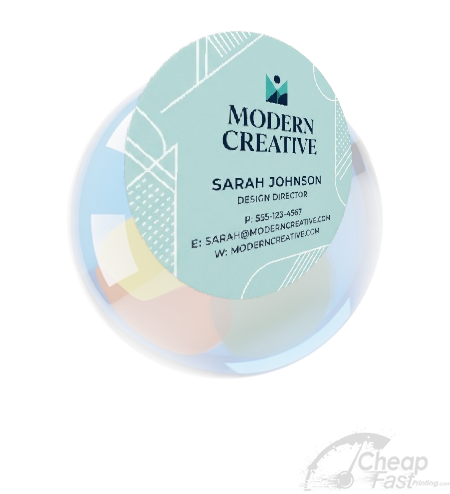
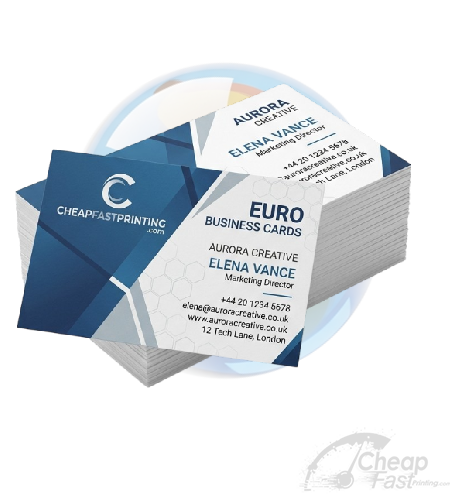
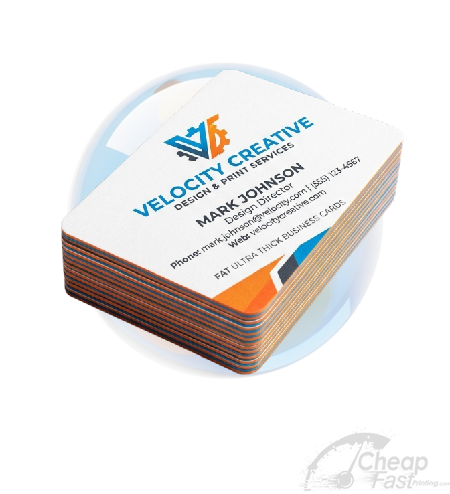
Social Cards Printing are pocket-sized brand ambassadors customers keep in wallets, on desks, and pinned to corkboards. A great card is more than contact info – the paper feel, finish, and shape all communicate quality before a single word is read.

Popular Uses for Social Cards Printing

Day-to-day networking
Hand them out at meetings, conferences, and chance introductions.
New business launch
Affordable starter run for a brand-new shop, freelancer, or side hustle.
Trade shows & expos
Order in bulk so the whole team is stocked for show season.
High-end touch points
Use luxury stocks (foil, soft-touch, painted edge) for premium brands.
Digital + tap cards
Pair classic print with NFC-enabled digital business cards.
Loyalty & punch cards
Same tooling, slightly different layout, for coffee shops and salons.
Promotional inserts
Drop one into every package or invoice you ship.
Event giveaways
Branded mini-cards as referral or thank-you tokens.
Free AI + Human Design Setup

Need Help Designing Your Social Cards?

Every Social Cards Printing order includes Free Design Setup, which means you do not need to arrive with perfect artwork. Send a sketch, logo, screenshot, Canva file, old PDF, phone photo, rough notes, or just a business goal. Our AI-assisted workflow can explore layout ideas, headlines, color palettes, icon directions, photo placement, and audience-specific messaging, then a real human graphic designer cleans it up and prepares the file for print. Customers use Social Cards for day-to-day networking (hand them out at meetings, conferences, and chance introductions.), new business launch (affordable starter run for a brand-new shop, freelancer, or side hustle.), trade shows & expos (order in bulk so the whole team is stocked for show season.), high-end touch points (use luxury stocks (foil, soft-touch, painted edge) for premium brands.), digital + tap cards (pair classic print with nfc-enabled digital business cards.), and related campaigns where the first impression has to feel intentional. We also consider the real search language customers use, including "social media cards design", "online social media card", "social media card design template", so the finished piece matches how buyers actually think about this product.

For Social Cards, the design team checks the practical details that make the difference between a pretty mockup and a piece that prints correctly: bleed, trim, safe zone, contrast, readable type size, image resolution, CMYK color, finish compatibility, fold direction, dielines, placement, and whether the design still works from the distance or handling context customers will experience. If your order needs personalization, QR codes, coupon codes, addresses, names, product SKUs, or multiple versions, we help organize the artwork so it stays clean and easy to approve.

You can use the service to create a brand-new design, refresh an older layout, adapt one idea into multiple sizes, build a matching campaign set, or convert a low-resolution concept into a print-ready file. Upload what you have through the form above and choose Free Design Setup. We send a digital proof before production, and nothing prints until you approve it. The result is a smarter Social Cards order: better-looking artwork, fewer file problems, faster approval, and a final product built by both AI speed and human print judgment.

Included with every order
  • AI-assisted ideas. Fast concept exploration for layouts, calls-to-action, color directions, and campaign angles.
  • Human graphic design review. A real designer refines the best direction and protects brand quality.
  • Print-ready setup. Bleed, trim, safe zones, resolution, CMYK, dielines, folds, and finishing details checked before production.
  • Free digital proof. You approve the final Social Cards proof before anything prints.
Request Free Design Setup Above
Free Guideline Templates

Download a Print-Ready Template for Social Cards

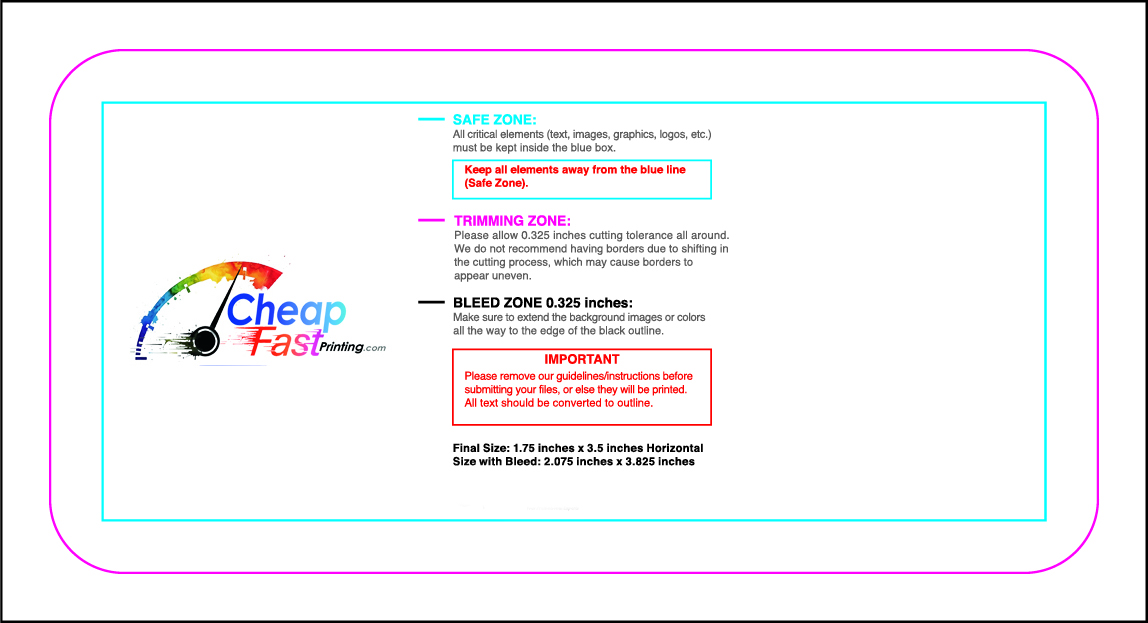
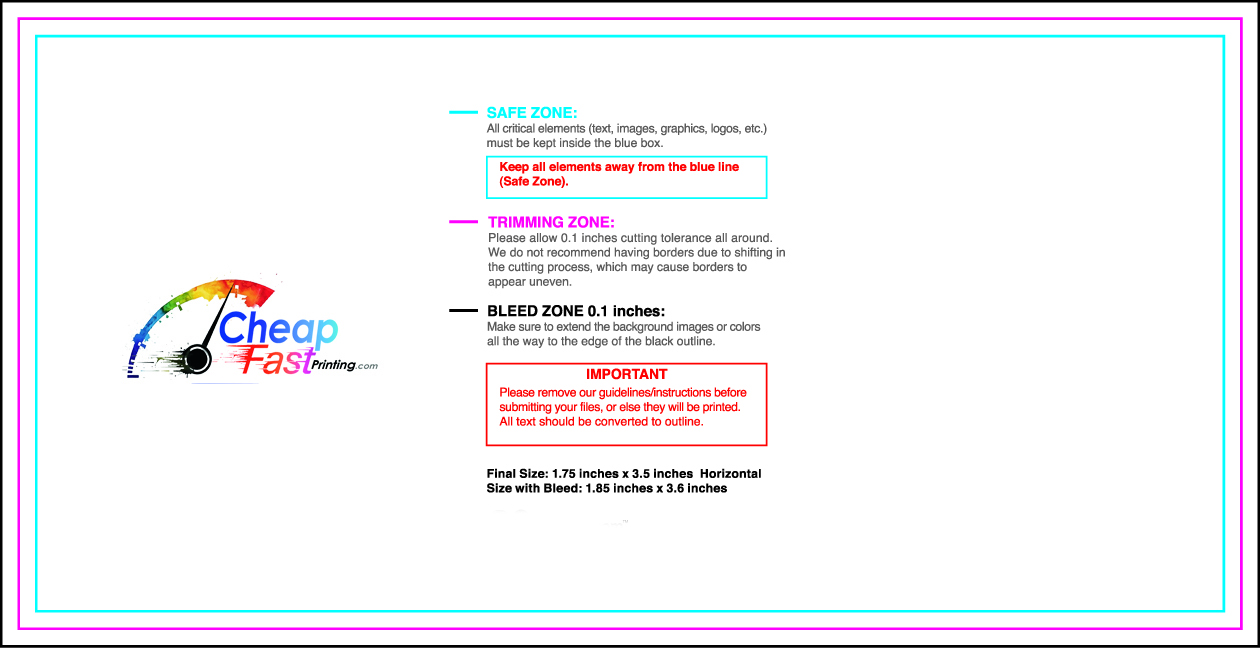
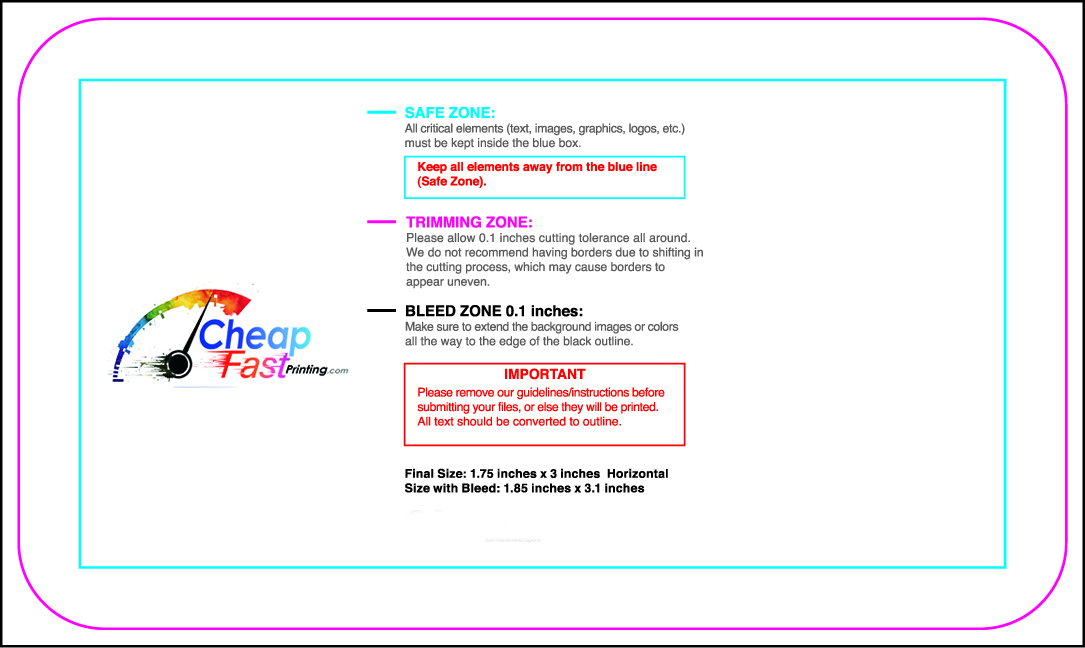
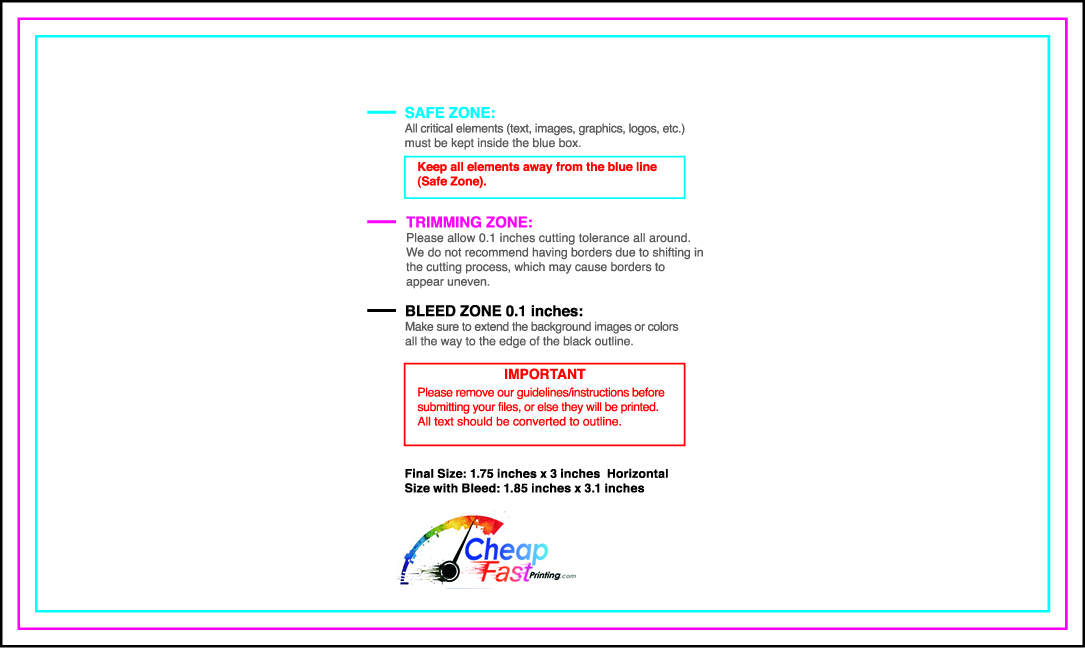
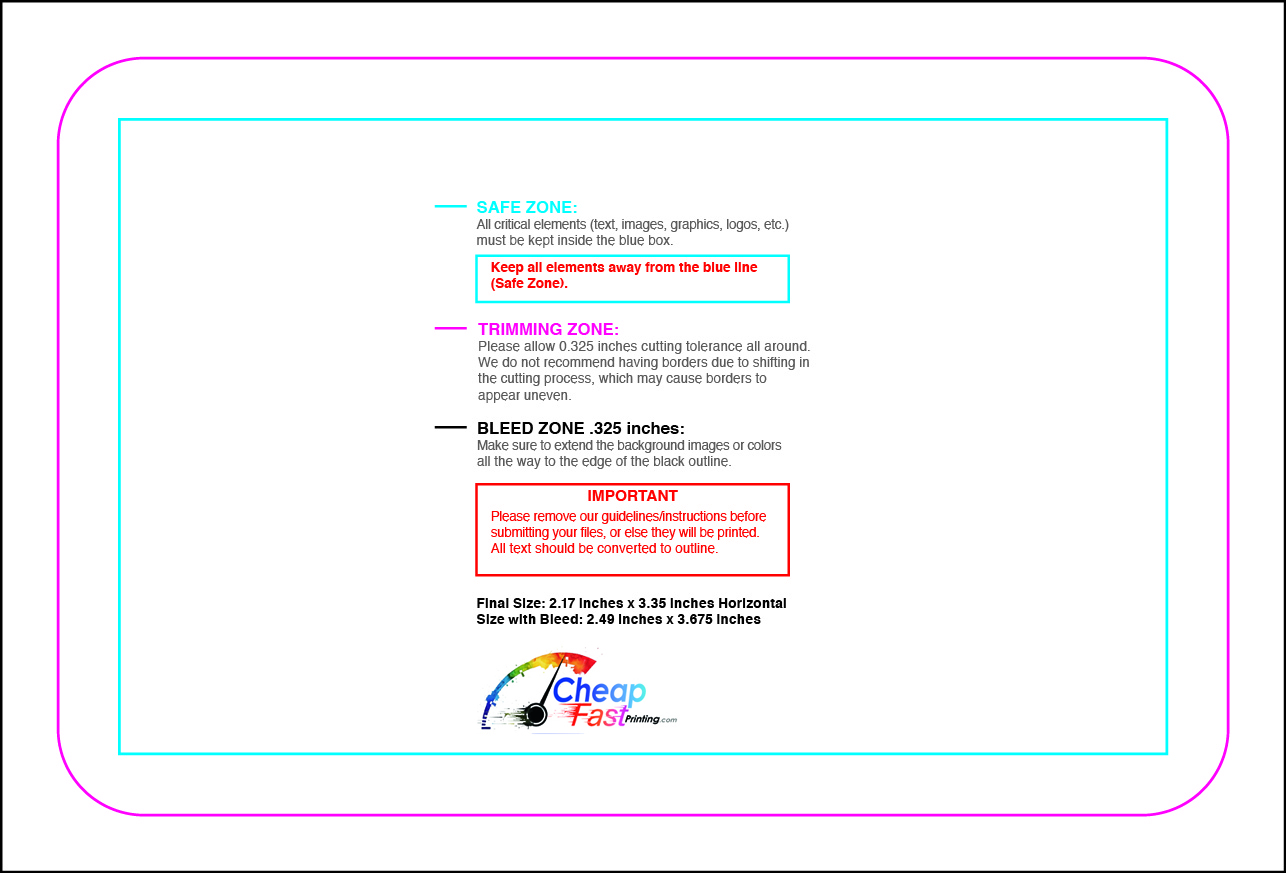
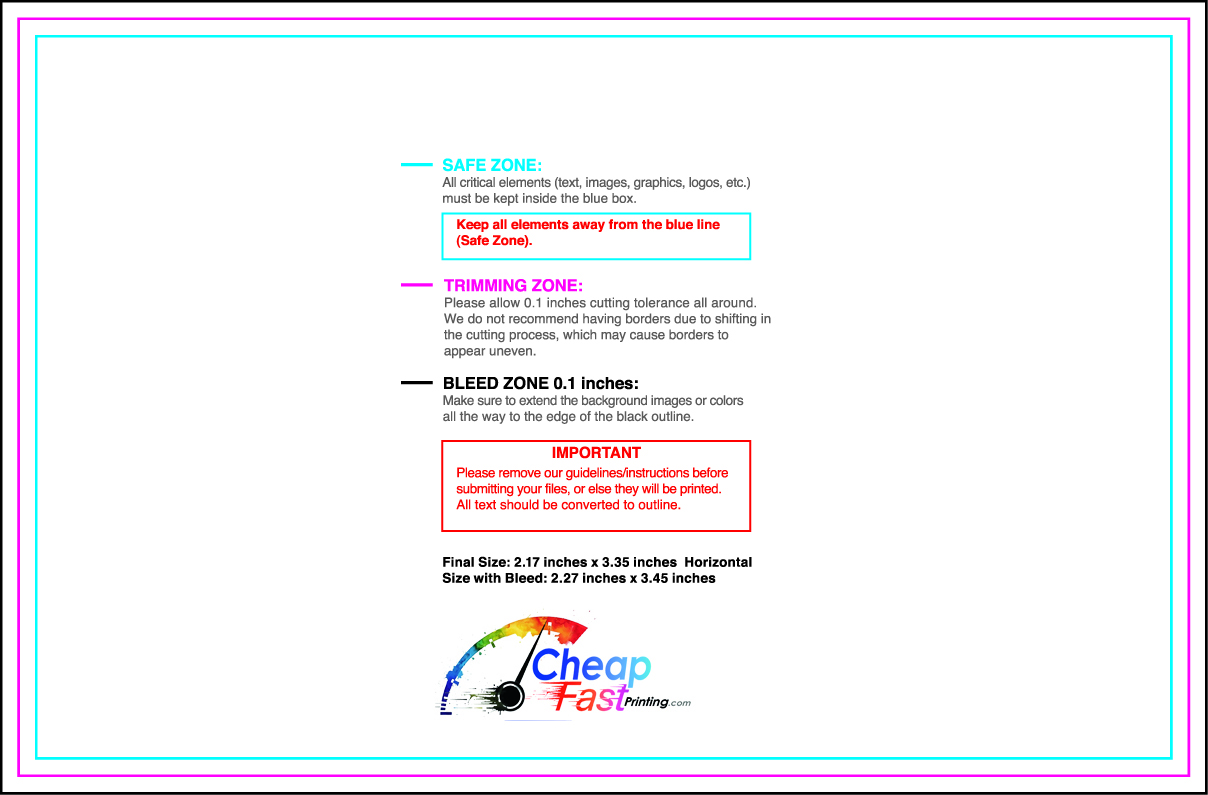
Start with a guideline file that already accounts for trim, bleed, safe zones, and layout space. These filtered downloads are the closest available templates for this product, so you can design faster, avoid file setup mistakes, and still request our Free Design Setup if you want us to finish the artwork for you.

Browse All Templates

Specifications & Options

Standard production details for Social Cards Printing. Custom options outside this list are available — just ask.

Standard size3.5\" x 2\" (89 x 51 mm) – plus circle, square, mini, oval, leaf, and custom shapes
Paper stocks14pt, 16pt, 18pt, 32pt, soft-touch, linen, kraft, pearl, plastic, painted-edge
FinishesMatte, gloss, soft-touch, spot UV, raised UV, foil, raised foil, embossing
Print modesSingle sided or full color both sides
Color modeCMYK – we convert RGB at no charge if needed
Bleed / safe0.125\" (3 mm) bleed, 0.125\" safe zone
File formatsPDF (preferred), AI, EPS, PSD, JPG, PNG, TIFF

Pricing for Social Cards Printing

Volume-based pricing — your per-unit cost drops sharply at higher quantities. Free Design Setup, free file check, and digital proofing are always included.

QuantityStandard totalStandard / unitPremium totalPremium / unit
25$64.40$2.58$80.50$3.22
50$72.45$1.45$90.56$1.81
100$88.55$0.89$110.69$1.11
250$136.85$0.55$171.06$0.68
500$217.35$0.43$271.69$0.54
1,000$378.35$0.38$472.94$0.47
2,500$861.35$0.34$1,076.69$0.43

Prices reflect the calculator on this page. Add-ons (rush, design upgrades, premium finishing, double-sided) and shipping are calculated live when you configure your order. Higher volume? Contact us for a custom quote.

How CheapFASTprinting Compares

An honest service-level comparison against the major shops people consider for Social Cards Printing. We don't fabricate competitor prices — those change constantly. We compare on the things that actually decide a buying decision.

FeatureCheapFASTprintingVistaprintMooGotPrintStaples Print
Free design setup✓ Always freeAdd-onAdd-onAdd-onLimited retail support
Free file & proof review✓ StandardAdd-onLimitedSelf-serveLimited
Custom sizes & shapes✓ Custom diesLimitedLimitedStandard sizesStandard sizes
Rush production✓ 1-3 day optionsLimited skusLimitedAvailableRetail same-day
Low minimum order✓ As low as 25Often 50+50 minimumOften 100+Often 100+
Real human support✓ Phone + emailLimited phoneEmail mostlyEmail mostlyRetail counter
US-based production✓ + offshore✓ + offshore
Single vendor: design + print + apparel + signs

Service-level comparison only. Competitor pricing changes constantly so we don't reproduce it here — visit each provider for live quotes. Last reviewed: May 2026.

Why Buyers Choose CheapFASTprinting for Social Cards Printing

How to Order Social Cards Printing in 5 Steps

  1. 1
    Configure your order. Use the calculator at the top of this page. Pick a size, material, quantity, sides, and turnaround.
  2. 2
    Upload your artwork. Upload a print-ready PDF — or send anything you have and request our Free Design Setup. We accept PDF, AI, EPS, PSD, JPG, PNG, and TIFF.
  3. 3
    Approve a free digital proof. We email you a proof showing exactly how the Social Cards will print — content, color, sizing, and bleed. Approve in one click.
  4. 4
    We print, finish, and inspect. Your order moves through production with file notes, finishing details, and a quality check before shipment.
  5. 5
    Fast nationwide delivery. Live USPS, UPS, and FedEx rates calculated at checkout. Most U.S. addresses receive shipments within 1-6 business days after production.

Social Cards Printing — Frequently Asked Questions

How to create social media cards?

Skip the DIY route — we custom-print Social Cards for you, with Free Design Setup, free file review, low minimums, and fast nationwide delivery. Use the calculator at the top of this page to configure your order, or contact us for a custom quote.

How to design my own cards?

Free Design Setup is included with every Social Cards order. Upload a sketch, an old logo, or even a phone photo and our team builds it into a print-ready file. Or upload your own print-ready PDF and we'll review it free of charge.

What are die cut cards?

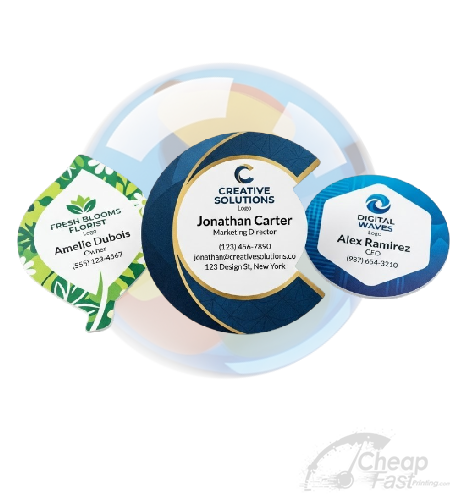
Rounded corners (1/8" and 1/4" radius), and full custom die-cut shapes — circles, ovals, leaf, scalloped — are all available. Custom dies add a small one-time setup fee and 1–2 days to lead time.

How to make die cut business cards?

Rounded corners (1/8" and 1/4" radius), and full custom die-cut shapes — circles, ovals, leaf, scalloped — are all available. Custom dies add a small one-time setup fee and 1–2 days to lead time.

What is social media art card?

Social Cards are produced to commercial print and finishing standards for business, event, and personal use. See the Specifications & Options table above for the materials, sizes, and finishes we offer, and the Pricing table for volume-based pricing.

How to make social media cards?

Skip the DIY route — we custom-print Social Cards for you, with Free Design Setup, free file review, low minimums, and fast nationwide delivery. Use the calculator at the top of this page to configure your order, or contact us for a custom quote.

How to list social media on business cards?

Social Cards choices depend on the size, material, quantity, artwork, turnaround, and how the piece will be used. Use the options, pricing table, and design setup details on this page as a starting point, or contact us with the exact question and we can recommend the best setup for your order.

How to put social media icons on business cards?

Skip the DIY route — we custom-print Social Cards for you, with Free Design Setup, free file review, low minimums, and fast nationwide delivery. Use the calculator at the top of this page to configure your order, or contact us for a custom quote.

Can you use social media logos on business cards?

Social Cards choices depend on the size, material, quantity, artwork, turnaround, and how the piece will be used. Use the options, pricing table, and design setup details on this page as a starting point, or contact us with the exact question and we can recommend the best setup for your order.

Why does social media matter?

Social Cards choices depend on the size, material, quantity, artwork, turnaround, and how the piece will be used. Use the options, pricing table, and design setup details on this page as a starting point, or contact us with the exact question and we can recommend the best setup for your order.

What size are cards usually?

Social Cards ship in our standard sizes plus fully custom dimensions on request — see the Specifications & Options table above for the most-ordered measurements. If your project needs a non-standard size, just choose Custom on the form and add the dimensions in the special instructions.

What is the standard size for Social Media Cards in inches and millimeters?

Social Cards are produced to commercial print and finishing standards for business, event, and personal use. See the Specifications & Options table above for the materials, sizes, and finishes we offer, and the Pricing table for volume-based pricing.

What paper weight (in pt or lb) do you recommend for Social Media Cards?

For everyday networking 16pt or 18pt cover is the sweet spot — heavy enough to feel premium without breaking the bank. Move up to 32pt painted-edge or soft-touch for high-end brands, or down to 14pt if you're handing out high volumes. Free samples ship on request.

Should Social Media Cards be double sided or single sided?

Yes — Social Cards can be printed single-sided or double-sided (full color both sides). Double-sided is included on most products at the standard two-sided pricing tier. Use the back for a coupon, map, contact details, or extended message.

What finish is best for Social Media Cards – matte, gloss, soft touch, spot UV, or foil?

Social Cards are available with multiple finishes: gloss for vivid color, matte for a subtle premium feel, soft-touch for a velvety hand-feel, uncoated for write-on surfaces, plus spot UV, raised foil, embossing, and metallic foil for accent highlights. Each finish appears on the order form with a live price.

Can you print rounded corners, die cuts, or unusual shapes on Social Media Cards?

Rounded corners (1/8" and 1/4" radius), and full custom die-cut shapes — circles, ovals, leaf, scalloped — are all available. Custom dies add a small one-time setup fee and 1–2 days to lead time.

How do I include a QR code or NFC tap on my Social Media Cards?

Yes — QR codes print perfectly on Social Cards (we recommend at least 0.5" x 0.5" for reliable scanning). NFC tap-to-share cards are also available; ask us about pairing a printed card with an NFC-enabled version of the same design.

Do you offer raised foil, raised UV, or embossing on Social Media Cards?

Social Cards are available with multiple finishes: gloss for vivid color, matte for a subtle premium feel, soft-touch for a velvety hand-feel, uncoated for write-on surfaces, plus spot UV, raised foil, embossing, and metallic foil for accent highlights. Each finish appears on the order form with a live price.

What information should I put on Social Media Cards for the best impression?

Effective Social Cards include: your name and brand, the core offer or message, a clear call-to-action (phone, website, QR code), and complete contact info. Keep typography hierarchy strong — one bold headline, one supporting line, one CTA. Free Design Setup helps you nail this layout if you're not sure where to start.

How many Social Media Cards should I order for a small business or networking event?

Social Cards unlock significant per-unit discounts at 250 / 500 / 1000 / 2500-piece tiers. The Pricing table above shows your savings at each break. Custom higher-volume quotes are available — contact us for runs over 10,000.

Ready to configure your order?

Use the calculator at the top of this page or scroll back to the order form. Questions first? Contact a real human or call us — most replies go out within an hour during business hours.

🔒 Secured by 256-Bit SSL | Data Protection Guaranteed | 10,000+ Happy Customers | A+ Rating