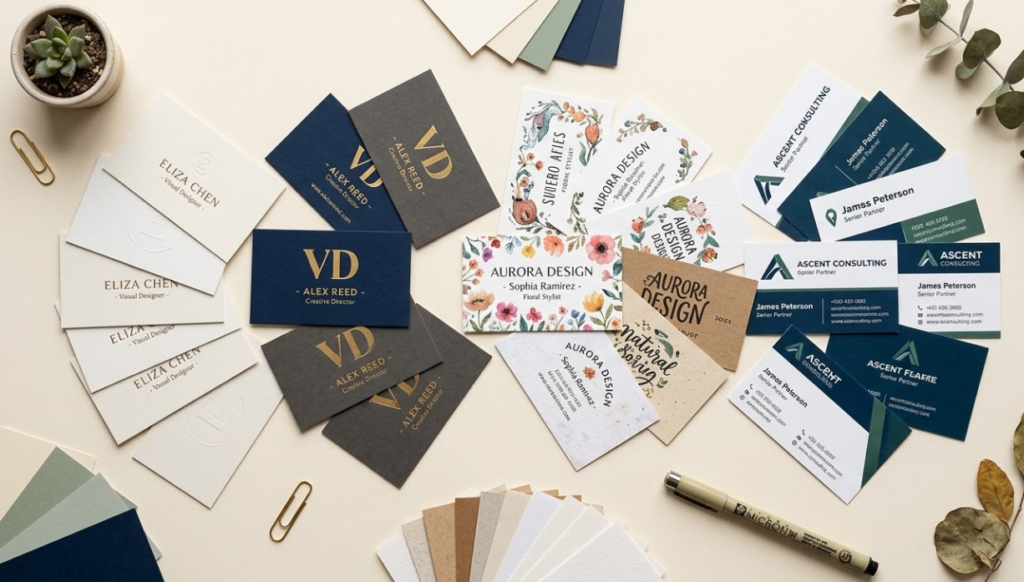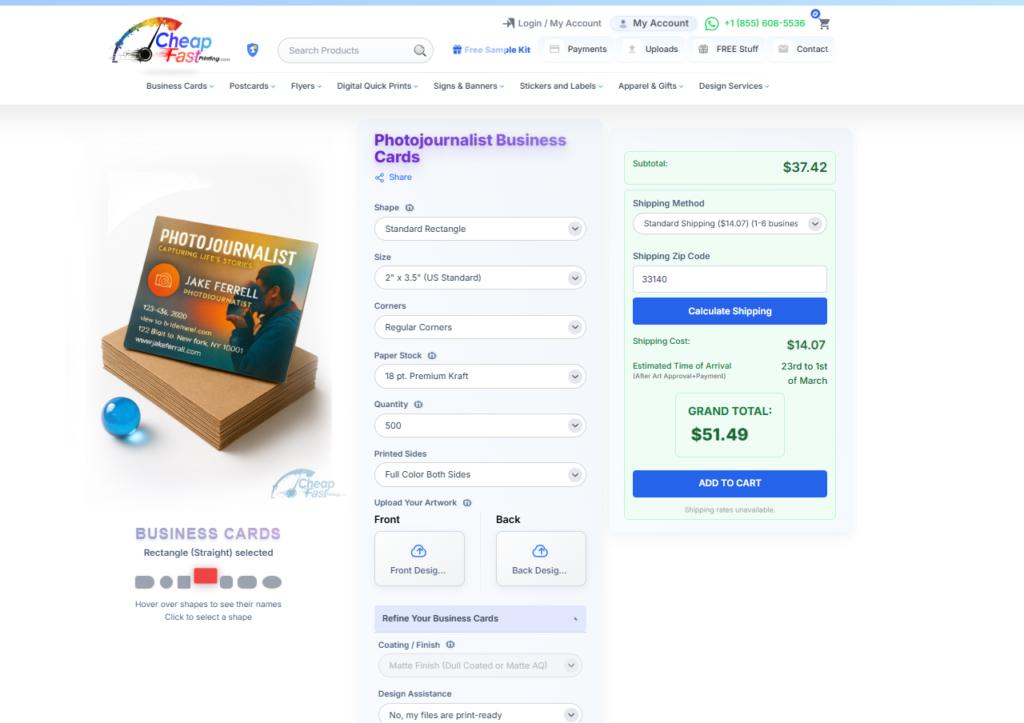
Designing a business card from a blank canvas sounds exciting until you are staring at a white rectangle at midnight, wondering why it looks wrong no matter what you try. This is exactly why templates exist. A good template gives you a proven layout, balanced white space, and a professional starting point that you customize, not reinvent from scratch.
But not all templates are created equal, and the free ones are not always the best option. A beautiful template is worthless for print if it does not include the right bleed setup, the correct CMYK color mode, or editable fields. We are going to walk through exactly where to find templates that actually work for professional printing, what to check before you use them, and what to do if template hunting feels like more trouble than it is worth.
This is important to know before you pay a marketplace for a template. CheapFastPrinting.com already has more than 7,000 free editable business card templates covering a massive range of industries, sizes, and shapes. You can begin at the main template hub, browse professional categories in the industry gallery, and study specific examples like barber business cards, real estate agent business cards, and graphic designer business cards. That gives you a real-world starting point instead of buying a file and hoping it behaves properly in print.
How Free Business Card Templates Create More Opportunity for More Industries
Templates become much more valuable when they are connected to real industries, real sizes, and real print stocks. That is what makes the CheapFastPrinting system stronger than a generic template marketplace. You are not only downloading a layout, you are studying how that layout behaves in a niche, how the shape changes the feeling, and how Free Design Setup can help you adapt it without starting from zero.
This matters for more than one kind of customer. A solo freelancer can use the template library to move faster. A company with many sales reps can use it to keep visual consistency. A service business with multiple specialties can create variations for each offer. And a new brand can test different card personalities before committing to a larger order.
Instead of guessing what a card should look like for your niche, you can study live examples that already match real professions and use cases.
Standard, slim, square, circle, oval, and half-circle templates create different first impressions, and that changes how your card should be like for the job.
If you need multiple employees or service variants, a template system gives you repeatable structure without making every order a custom project from scratch.
You can start from the template that is closest, then let us adjust logo placement, hierarchy, wording, QR code, and print prep before production.
These public pages show how different industries, stocks, and shapes create very different design opportunities. This is the kind of visual context people need before they choose a template, because it makes the decision practical instead of abstract.
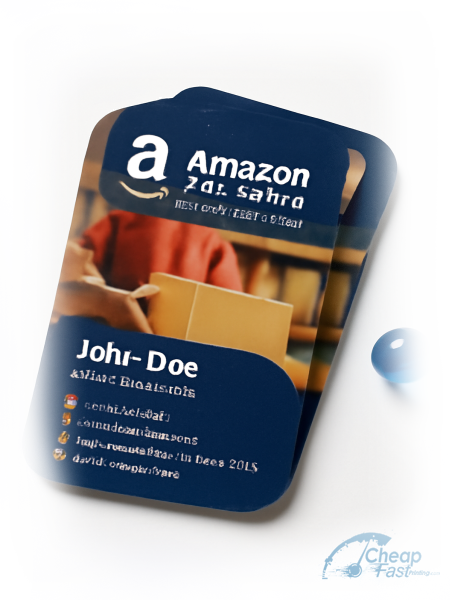
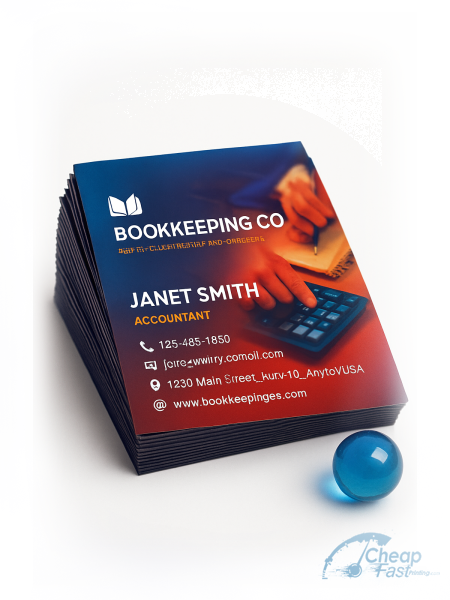
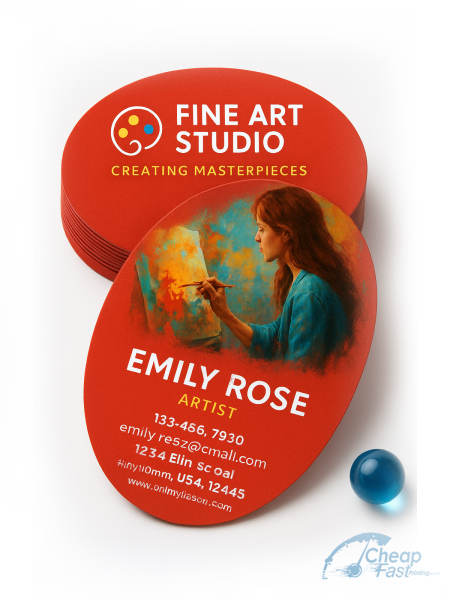
Readers should be able to see template choices immediately, not only read about them. These public template thumbnails let people explore the actual size-and-shape system already available on CheapFastPrinting.com.
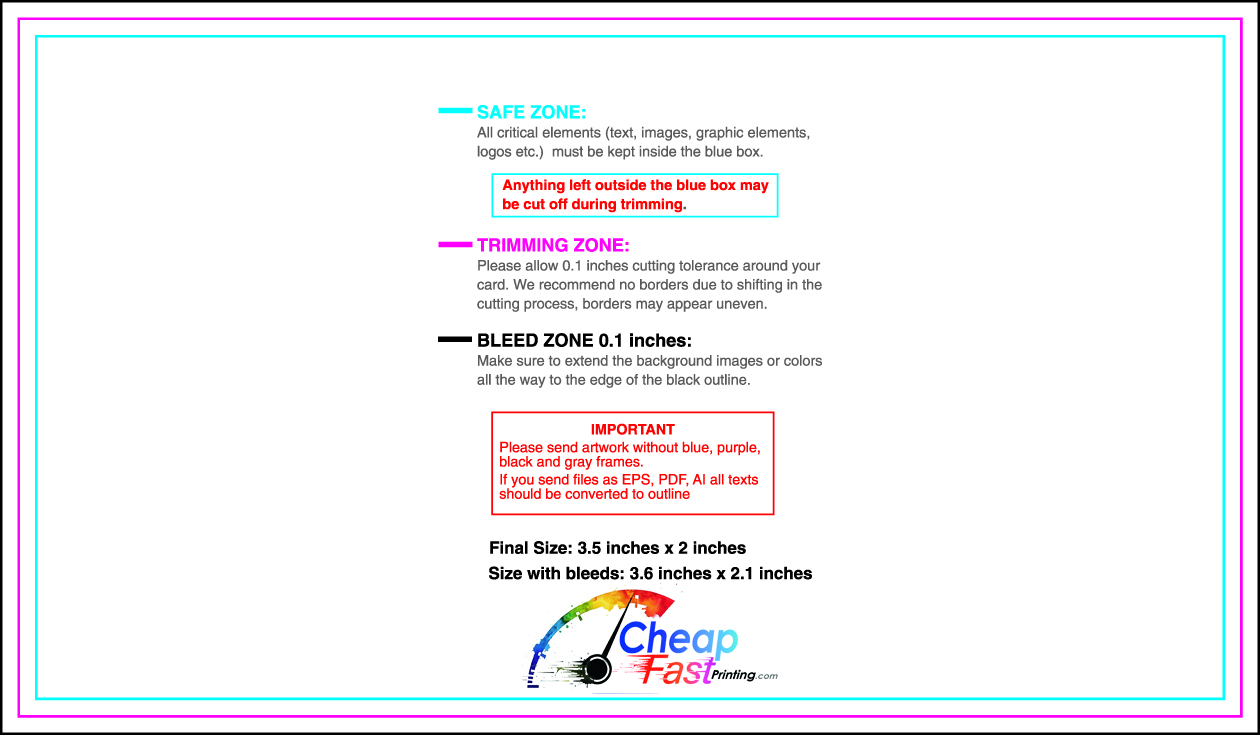
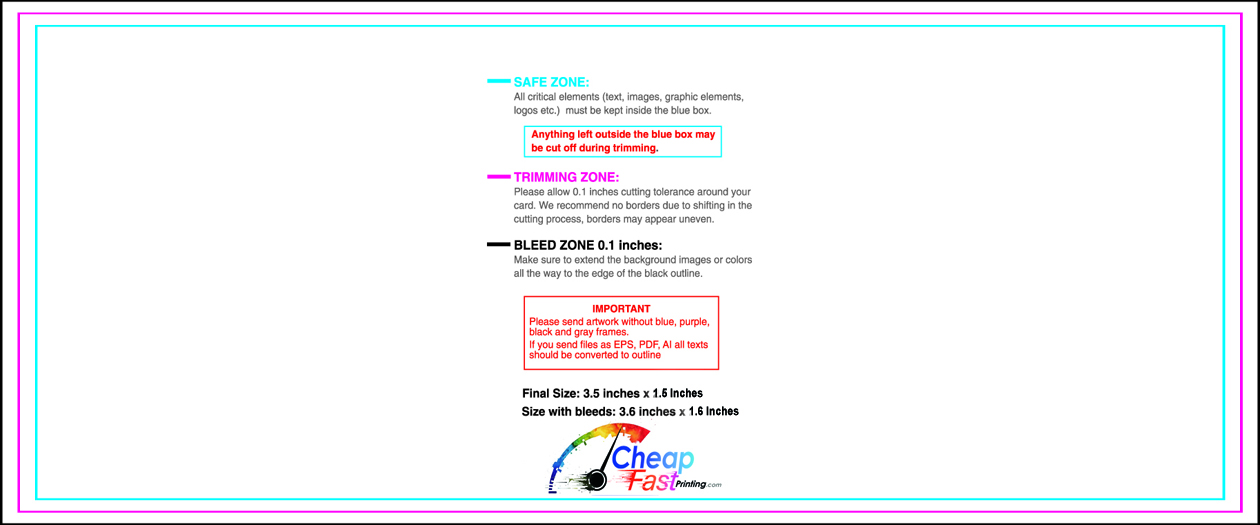
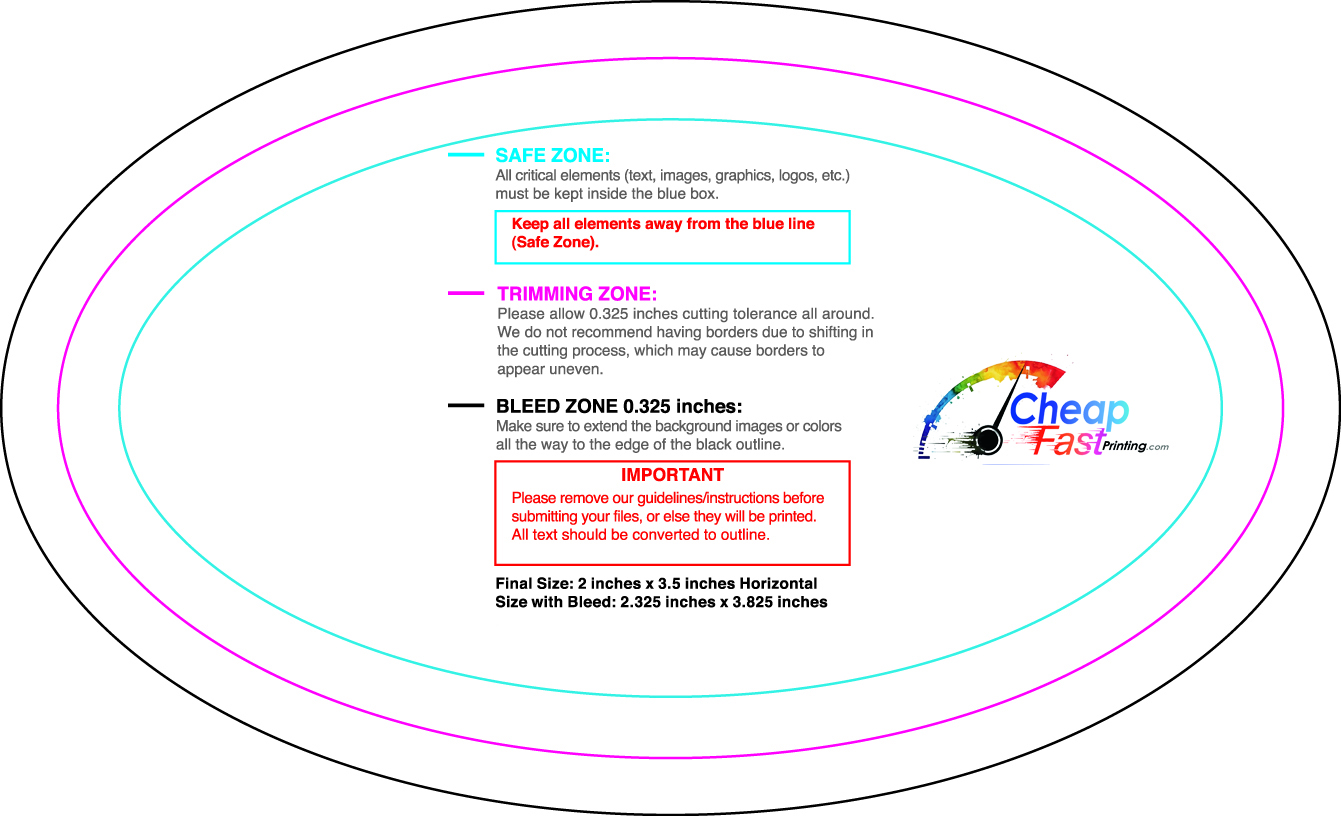
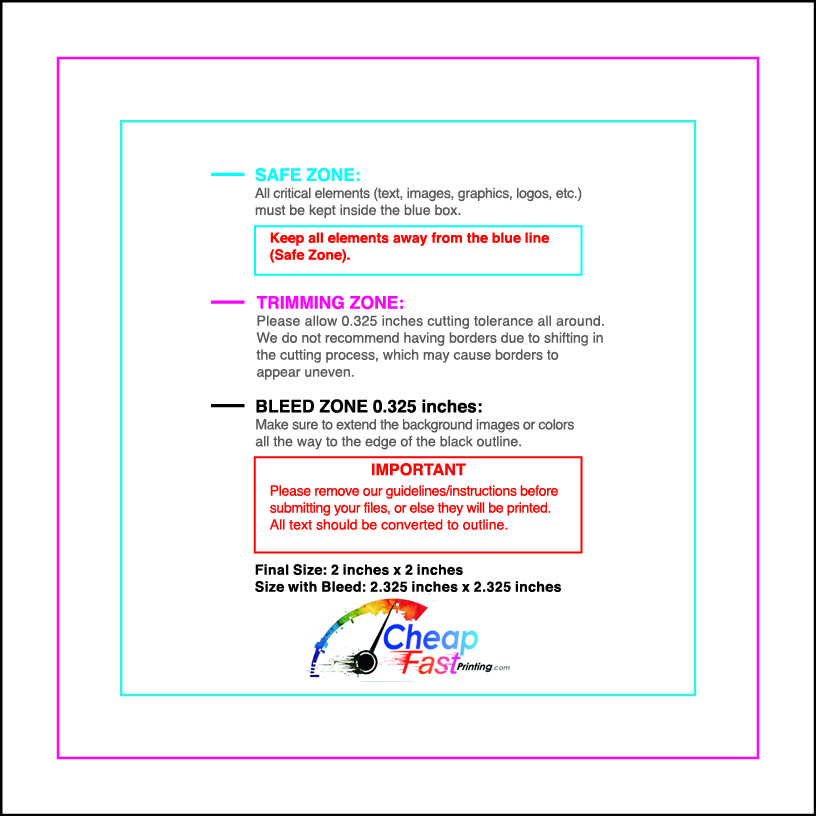
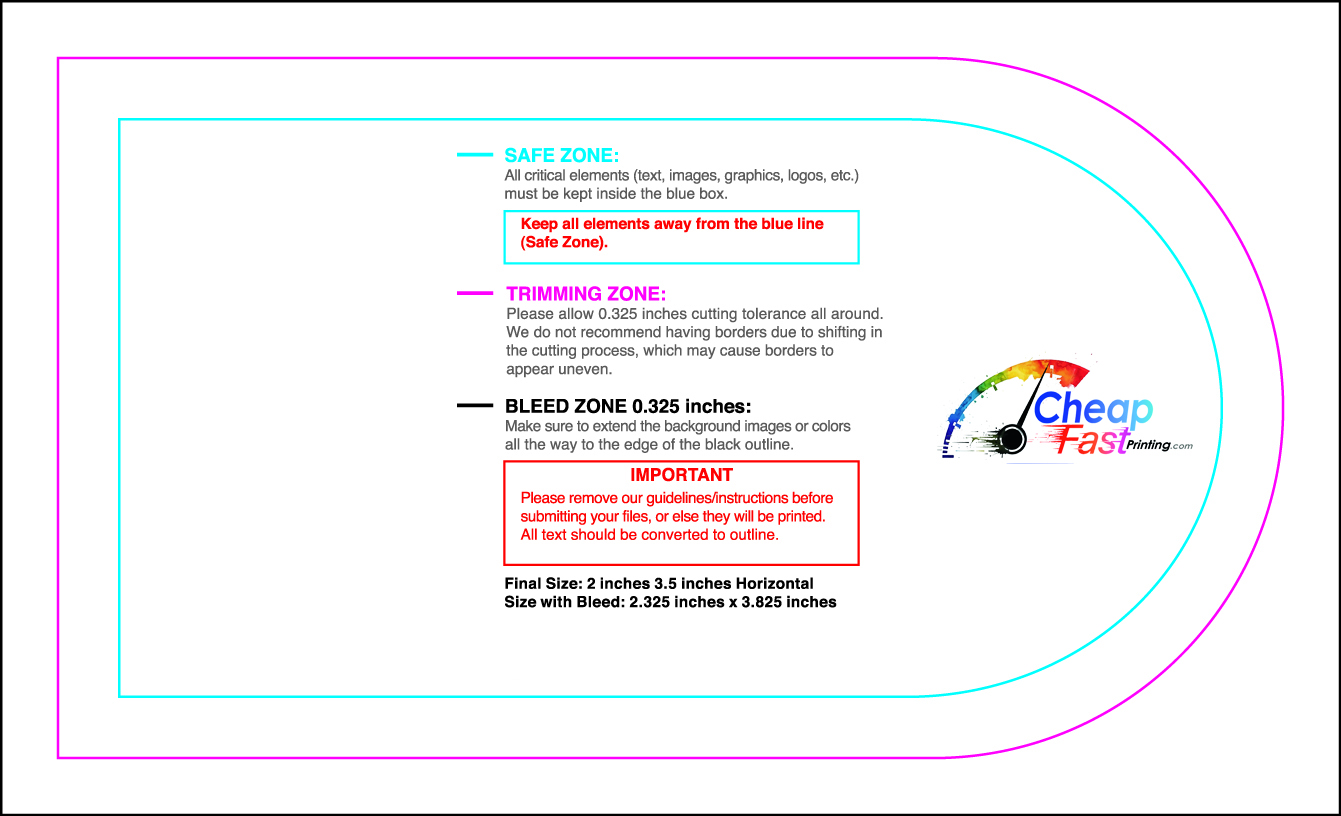
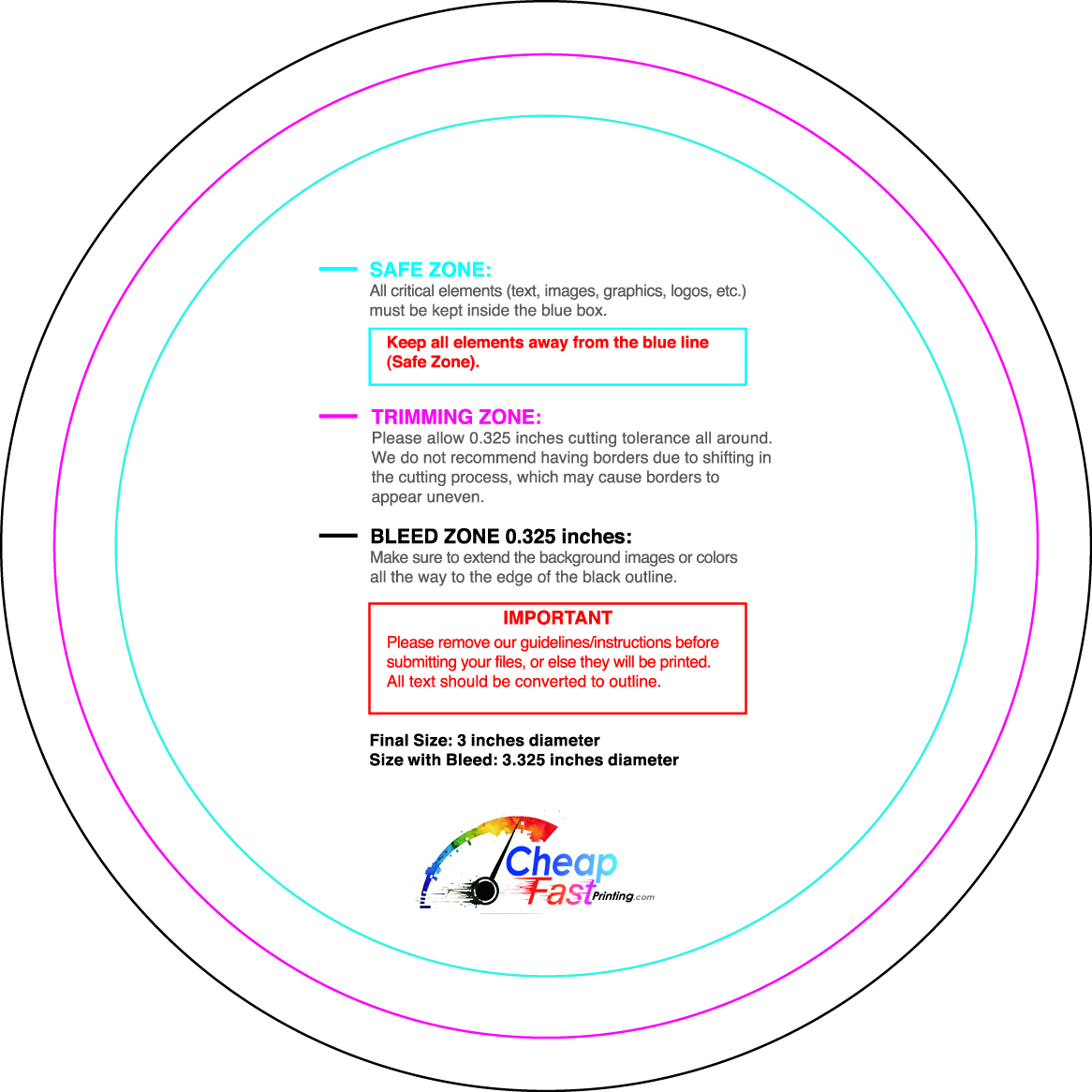
That is the bigger story around free templates. They are not just files. They are shortcuts into better planning, better industry fit, better visual decision-making, and better coordination between what looks good on screen and what feels right once printed. When that is paired with Free Design Setup, free edits, and a digital proof, the template becomes a real production advantage, not just a starting sketch.
Free vs. Paid Business Card Templates: The Real Difference
The honest answer is that free templates vary wildly in quality. Some are genuinely excellent, professionally designed files that print beautifully. Others were thrown together quickly and will cause problems the moment you try to export them for print: missing bleed, wrong dimensions, RGB instead of CMYK, or fonts that are not available on your system.
Paid templates from reputable design marketplaces tend to be more consistently high quality, with proper CMYK setup, correct bleed areas, layered files, and better typography choices. They typically come with documentation explaining the fonts used and how to edit specific elements. The investment is small, usually $6 to $25 for a professional template.
| Factor | Free Templates | Paid Templates ($6-$25) | Notes |
|---|---|---|---|
| Design Quality | Varies very widely | Generally higher and more consistent | Premium marketplaces have quality standards |
| CMYK Support | Often missing or unclear | Usually included and documented | Critical for accurate print colors |
| Bleed Setup | Often not included | Typically pre-configured correctly | Missing bleed = white edges in print |
| File Formats | Usually web formats (JPG, PNG) | AI, PSD, EPS, PDF print-ready | Print needs vector or high-res PDF |
| Font Documentation | May not be specified | Font list usually provided | Wrong fonts = layout breaks |
| Designer Support | None | Often available via marketplace | Useful for custom modifications |
| Exclusivity | Used by thousands simultaneously | More original and unique designs | Branded cards should feel unique |
| Edit Flexibility | Limited in free tools | Full layer access in professional files | Paid = more customization options |
What to Look for in Any Template Before Using It
Whether free or paid, run every template through this quick check before committing your time to editing it:
- Correct sizing: 3.5″ x 2″ final (or 3.75″ x 2.25″ with bleed included). Templates sized differently will print at the wrong dimensions.
- Print-appropriate format: PDF, AI, PSD, or EPS. Not just JPG or PNG, which are screen formats without proper print specifications.
- CMYK color mode: Check the file properties or product description. If it says RGB only, colors will shift at the printer.
- Editable text fields: You need to be able to replace placeholder text with your own information without disrupting the design.
- Font names specified: You need to know what fonts the template uses so you can install them before editing. Missing fonts cause layout shifts.
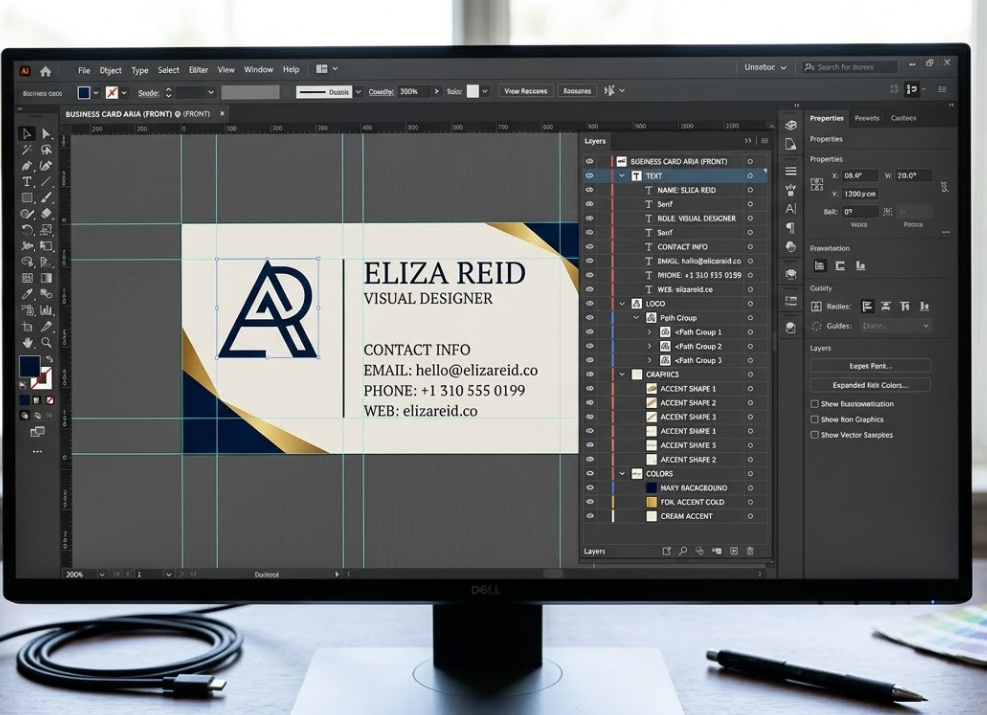
- Layered structure: For paid design software files, layers should be organized and labeled so you can find and edit each element easily.
Best Free Template Sources Online
Canva’s Template Library: Best for Ease of Use
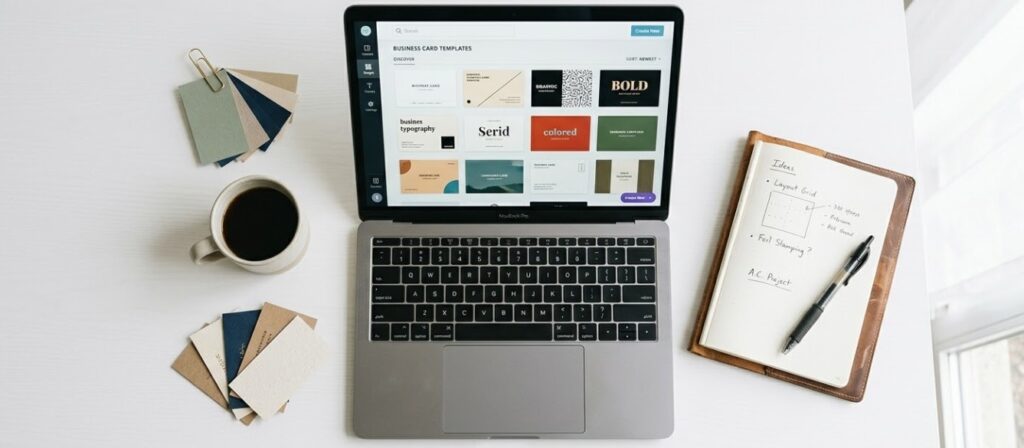
Canva’s business card template library is enormous. Thousands of designs covering every industry, aesthetic, and style imaginable, from ultra-minimal to bold and graphic, from corporate to creative. All templates are sized correctly for business cards and editable within the Canva drag-and-drop interface. The free tier gives you access to a huge selection, while Canva Pro unlocks more premium options and removes the Canva watermark from elements.
The advantage of Canva templates is the ease of editing. Everything is drag and drop, no software installation required, works on any computer or even on a mobile phone. The limitation is that Canva’s free tier exports RGB files, and you need Canva Pro to export CMYK PDF. However, if you upload your Canva PDF to CheapFastPrinting.com, we convert the color mode as part of our free file review process, so you can design in Canva free and still get CMYK print quality.
Adobe Express Free Templates
Adobe Express offers a curated selection of free business card templates that tend toward the polished and professional. The template quality is generally higher than the average free option elsewhere, reflecting Adobe’s design heritage and quality standards. If you are already familiar with Adobe products, the interface will feel very intuitive. Export quality is excellent, and the free tier is genuinely useful for basic customization needs.
Other Free Sources Worth Checking
| Source | Template Count | Quality | Best Format Available | Ideal For |
|---|---|---|---|---|
| Canva Free | 1,000+ | Good to Excellent | PDF Print (Pro for CMYK) | Beginners, drag-and-drop editing |
| Adobe Express Free | 200+ | Very Good | Adobe ecosystem users | |
| Freepik Free | 500+ | Varies | AI/EPS vector | Those who have Illustrator |
| Vecteezy Free | 300+ | Varies | EPS/SVG | Vector editing users |
| Pngtree Free | 500+ | Lower | PNG/PSD | Simple designs only |
| Pixabay Templates | 100+ | Varies | PDF/JPG | Very basic starting points |
Best Premium Template Marketplaces
Creative Market: Designer-Made Cards Worth Paying For
Creative Market is the best destination for high-quality, designer-made business card templates. Independent designers sell their work directly on the platform, so you get real craftsmanship from people who do this professionally. Templates typically come in multiple formats (AI, PSD, EPS, PDF), include print-ready CMYK setups, and are accompanied by documentation explaining which fonts to install and exactly how to edit each element.
The search on Creative Market is excellent. Filter by style, color, industry, and format to find exactly what you are looking for. Look for templates with strong review ratings and high download counts. These have been tested by real buyers and are generally reliable. Prices range from $6 to $25 for individual templates.
One practical tip for Creative Market: many designers offer matching brand identity kits that include the business card alongside a letterhead, social media templates, and email signature design. If you are building out your full brand identity, this can be exceptional value and ensures everything looks visually consistent across all your materials.
Envato Elements and GraphicRiver
Envato Elements is a subscription model where a monthly fee (around $16-20) unlocks unlimited downloads from a massive library of templates, including thousands of business card designs. If you are regularly creating branded materials or updating designs frequently, this is outstanding value. GraphicRiver is Envato’s per-item marketplace where you buy individual templates without a subscription, priced between $6 and $18 per template.
Both have strong quality control processes and a wide range of styles. A practical tip: when downloading from Envato, always check that the template comes with a “print ready” version in addition to any web preview version. The print-ready version will have proper bleed, CMYK settings, and the resolution specifications you need.
Etsy: Best for Artisan and Handcrafted Styles
Etsy is an increasingly strong source for business card templates, particularly for hand-lettered, botanical, artisanal, and small-business-oriented designs. Many sellers on Etsy offer Canva-compatible templates that require no special software, which is a significant advantage for non-designers. Prices are generally low, often $3 to $12 per template.
- Confirm the template is editable in a tool you actually have (Canva, Photoshop, or Illustrator)
- Check that a print-ready version is included, not just a social media preview
- Read the product description for bleed and CMYK information
- Check review count and ratings, Etsy templates vary widely in quality
- Ask the seller if unclear, most Etsy designers respond quickly to pre-purchase questions
How to Customize a Template Without Breaking the Design
This is where a lot of people go wrong. They start with a beautiful template and gradually make changes that erode the design quality until the end result looks nothing like the original and not nearly as good.
The font sizes, spacing, and proportions in a professional template were chosen intentionally. Change the content, not the proportions.
Choose a replacement font with similar proportions and weight to the original. A light, narrow font will not work as a direct swap for a bold, wide one.
If the template uses two colors, do not suddenly introduce four. The designer established a palette for a reason. Expand within that system.
Resizing a logo or icon should always maintain aspect ratio. Never stretch or squish any element. Lock the aspect ratio before resizing.
Always review your final design at actual 3.5 by 2 inch size before sending to print. Elements that look fine at 200% zoom on screen may be too small or too close to the edge at actual size.
If you have been searching for a template for more than 30 minutes and haven’t found exactly what you need, send your logo and contact info to CheapFastPrinting.com and let our design team create something custom from scratch. It is completely free of costs, and you get something uniquely yours rather than a template that dozens of other businesses are also using.